Downloading programs to your mobile device
30 TiVo Stream Operator’s Guide v1.1 • TiVo
®
Proprietary and Confidential
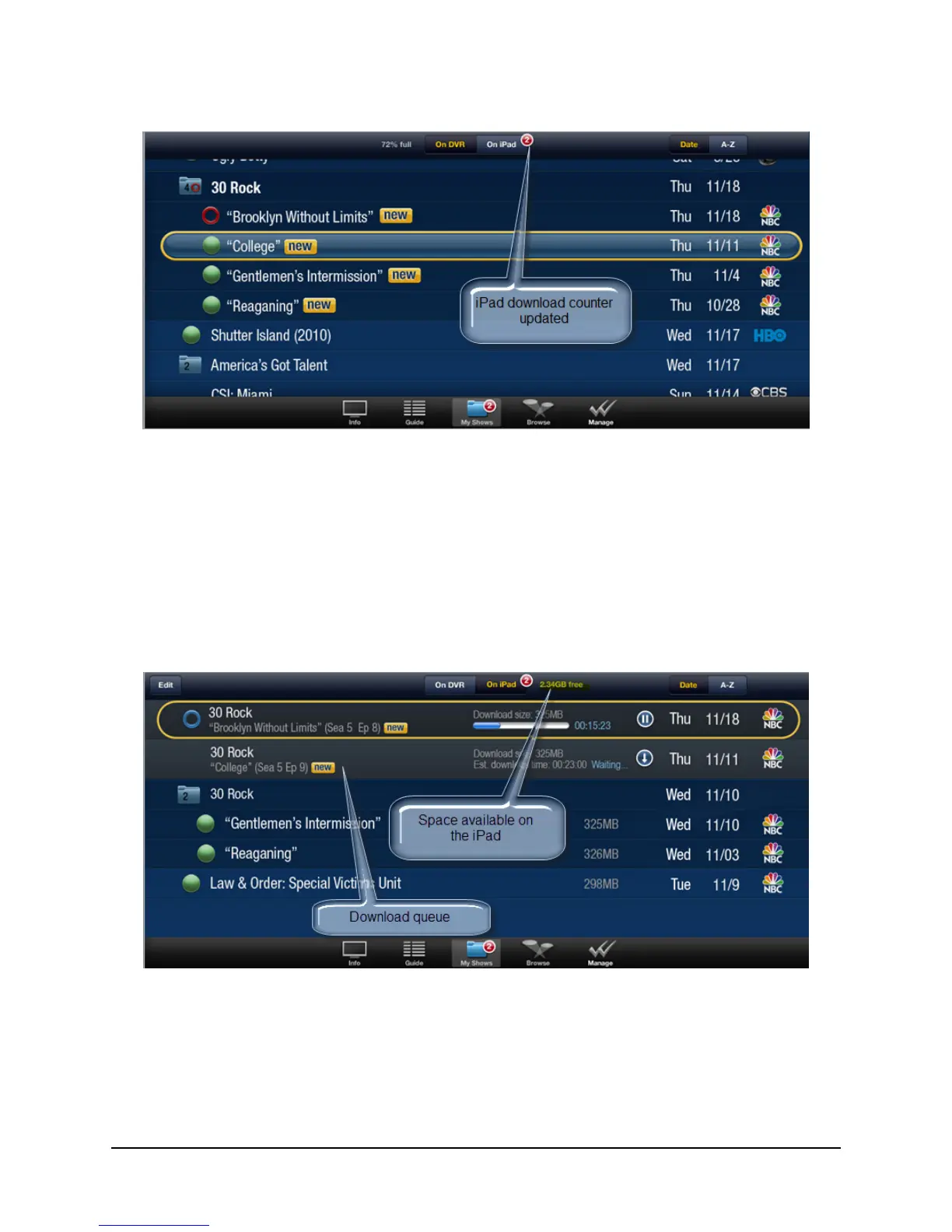
Figure 3–15: Counters updated for new program downloaded
Viewing a summary of your downloaded programs
To see all the programs you’ve already downloaded:
1. Tap the My Shows tab (at the bottom of the iPad screen).
2. Tap the On iPad tab.
The download queue appears (see Figure 3–16).
Figure 3–16: View a summary of your downloads
The download queue displays a list of the downloads in-progress or waiting to be
downloaded.
As shown in Figure 3–16 above, the space available on your iPad or other mobile device is
displayed to the right of the On iPad tab.



 To Next Page