Setting up TiVo Stream on your mobile device
16 TiVo Stream Operator’s Guide v1.1 • TiVo
®
Proprietary and Confidential
Step 3. Linking TiVo Stream to your DVR
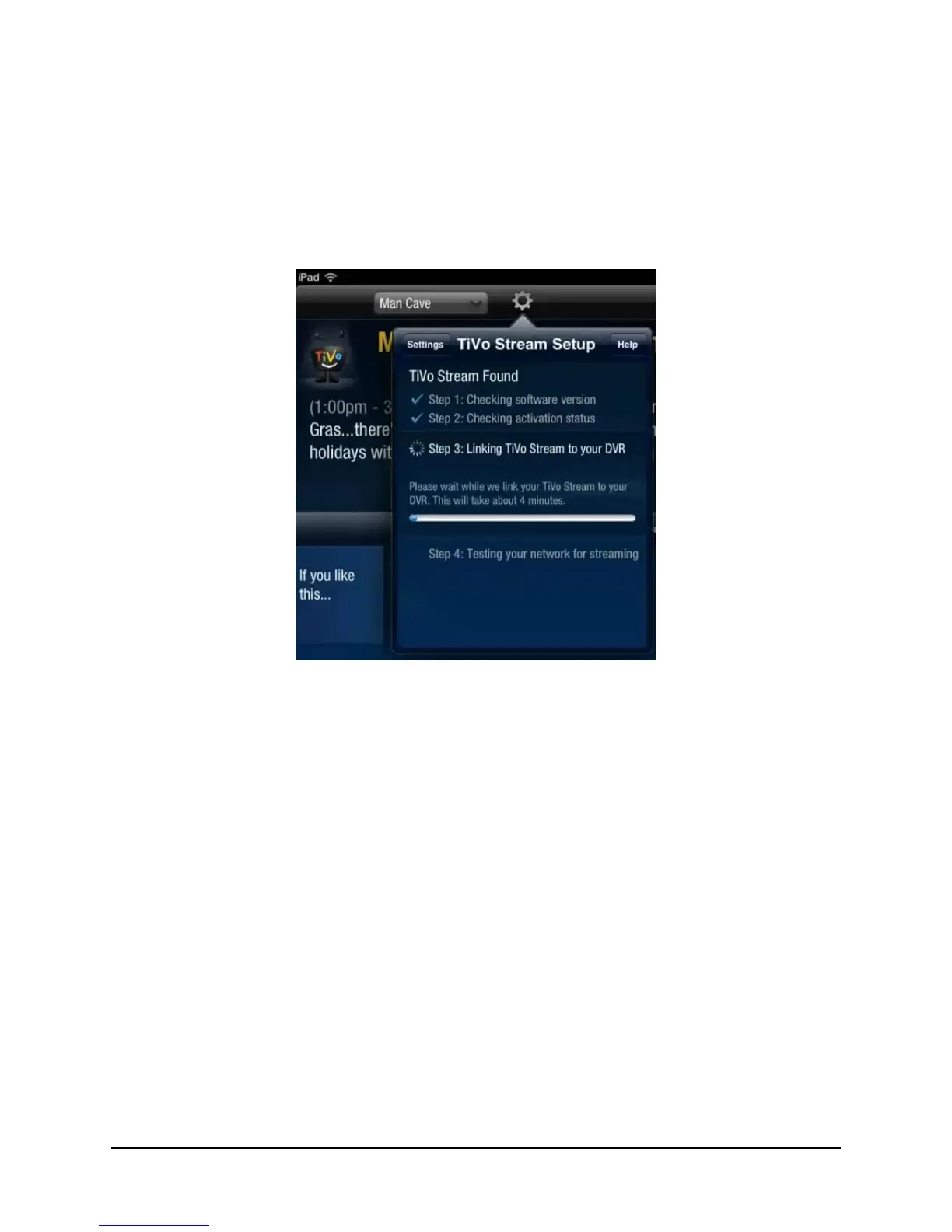
The TiVo Stream Setup process checks to make sure your DVR has the updated share
group list that includes the newly activated TiVo Stream. As shown in Figure 2–6, if your
DVR has not received the updated share group list, the following message appears:
Please wait while we link your TiVo Stream to your DVR. This will take about 4 minutes.
Figure 2–6: Linking to your DVR
If the DVR does not have the latest share group, the TiVo App instructs the DVR to
perform a Test Internet Connection. If this process fails, you receive a message instructing
you to manually peform a Test Internet Connection .
Note: Performing a Test Internet Connection is required only if the installer has not
already performed a Test Internet Connection on the DVR.



 To Next Page