Setting up TiVo Stream on your mobile device
14 TiVo Stream Operator’s Guide v1.1 • TiVo
®
Proprietary and Confidential
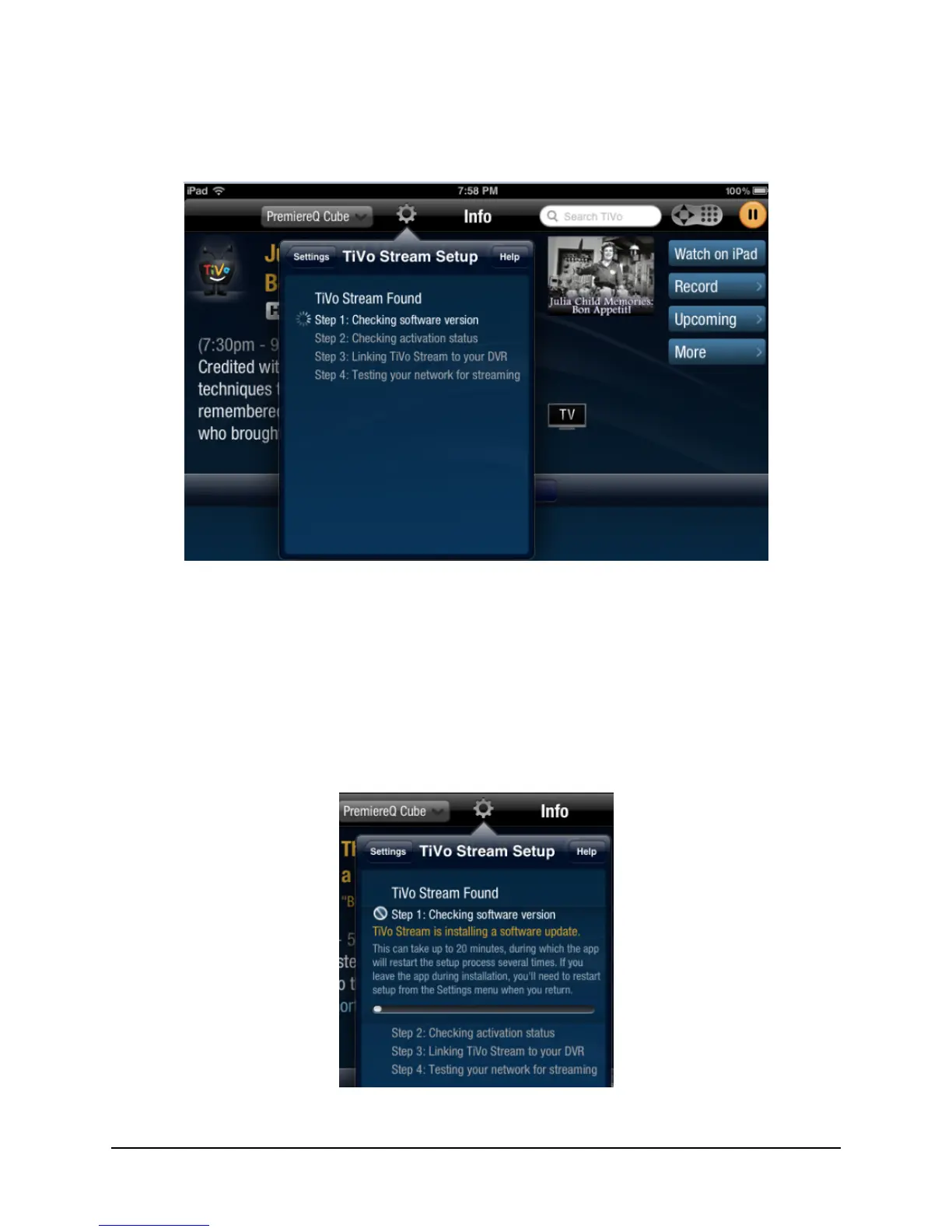
Figure 2–3 shows the TiVo Stream Setup dialog when a TiVo Stream device has been
discovered on the network.
Figure 2–3: TiVo App finds the TiVo Stream device
Step 1. Checking the software version
Once the TiVo Stream has been found, the TiVo App checks the software version to see if
a critical software update is required.
Note: Operator units at initial launch do not require a critical software upgrade.
When a critical software upgrade is needed, the screen shown in Figure 2–4 appears.
Figure 2–4: Software upgrade initiated



 To Next Page