Overview
4 TiVo Stream Operator’s Guide v1.0 • TiVo
®
Proprietary and Confidential
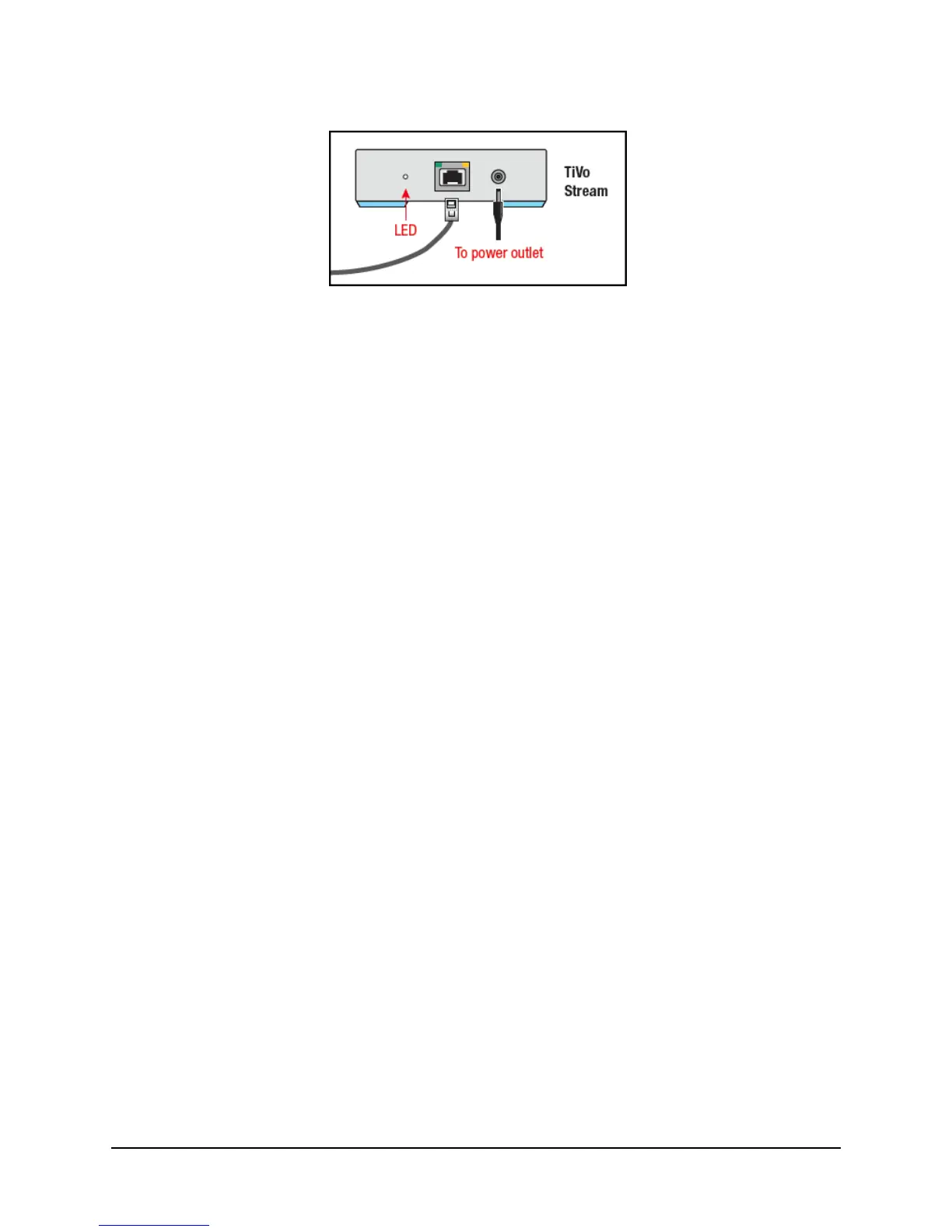
Figure 1–2: TiVo Stream rear panel
The TiVo Stream has three LEDs on the rear panel. The two LEDs on the Ethernet jack are standard
Link and Activity LEDs.
LED description
TiVo Stream has three LEDs on the rear of the unit (as shown in Figure 1–2).
Ethernet connector Link LEDs
The two LEDs on the Ethernet jack are standard Ethernet link activity and link status LEDs. The
behavior for the Ethernet connector LEDs is as follows:
Left LED = Link Activity
Blinks green on packet RX and TX (Receive and Transmit). Otherwise, this LED is off.
Right LED = Link Status
No link = Off
10 Megabit half duplex = Off
10 Megabit full duplex = Green
100 Megabit half/full duplex = Green
Gigabit half/full duplex = Yellow
TiVo Stream Status LED
The third and main LED on the back of TiVo Stream can be either amber or white and it indicates the
overall status of the TiVo Stream device:
Off: No power. TiVo Stream is off.
Steady Amber: TiVo Stream has powered on.
Blinking Amber: TiVo Stream is applying a firmware update.
Blinking White: TiVo Stream is booting.
Steady White: TiVo Stream is fully booted up and ready. DHCP lease and IP address
obtained, connected, and discoverable.
Boot time is usually less than three minutes. This boot-up could be repeated if a critical software
update is needed, which is typically only the first time TiVo Stream is set up as all other software
updates occur late at night when the TiVo Stream is idle.



 To Next Page