Streaming a recording
20 TiVo Stream Operator’s Guide v1.1 • TiVo
®
Proprietary and Confidential
Figure 3–1: TiVo App icon displayed on the iPad screen
2. If the TiVo App is not already connected to your DVR, select your DVR and connect to it.
When the TiVo App first opens, you’ll see the Info screen showing you what’s on right
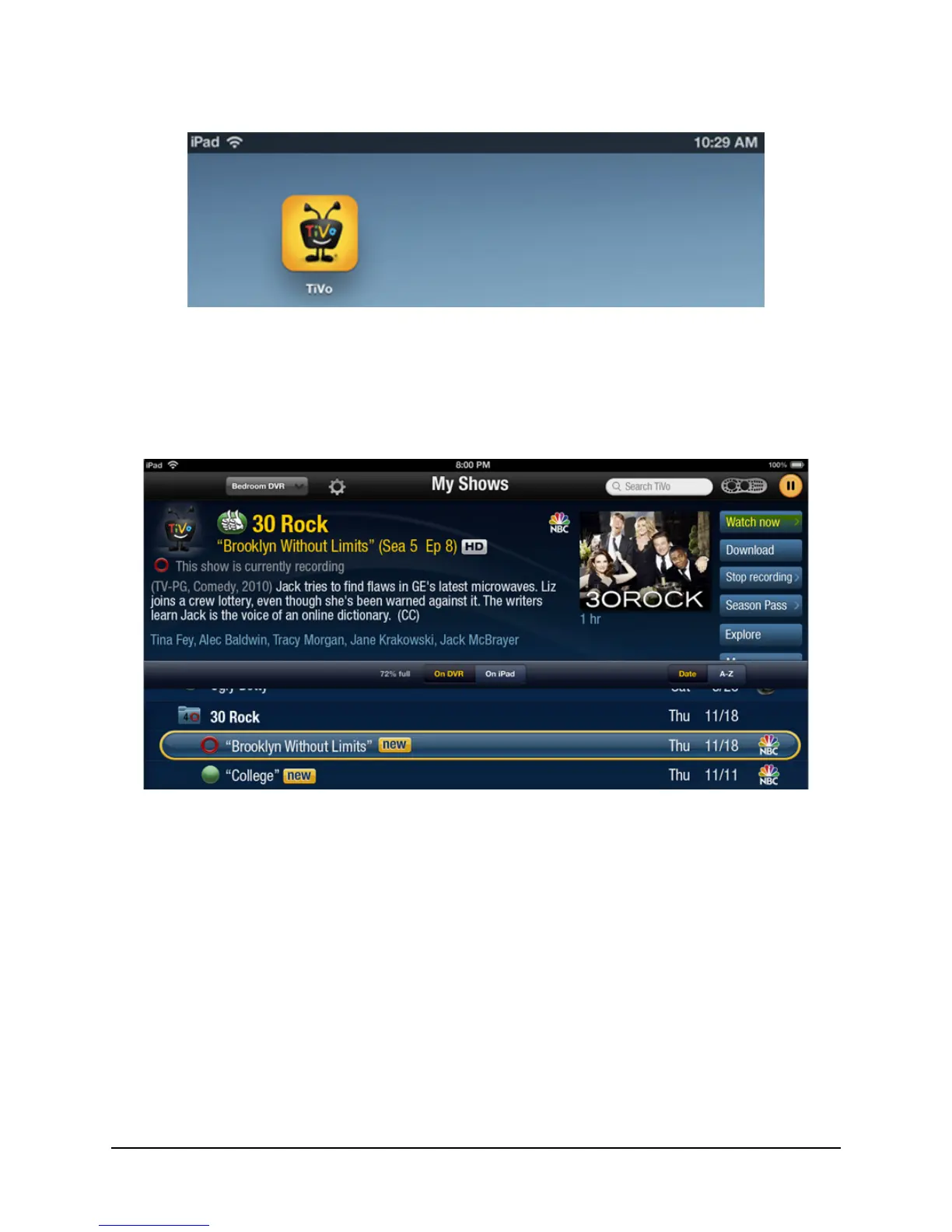
now. Note that Watch now is the only watch option available (see Figure 3–2).
Figure 3–2: Watch now button
3. Tap the My Shows tab (at the bottom of the iPad screen) to watch and manage your
downloaded content.
4. If not already selected, tap the On DVR button.
5. Select a program in My Shows, then tap on Watch now.
When you tap on Watch now, you’re presented with the two options shown in Figure 3–3:
Watch on TV
Watch on iPad



 To Next Page