To create a strong password
● Use at least eight characters
● Do not include your real name, user name, company name, or other personal information
● Do not use complete words that can be found in a dictionary
● Use a random combination of the following letters, numbers, punctuation marks, and
special characters: a-z, A-Z, 0-9, ! # $ % & ' - . @ ^ _ ~
4.6 Install Viewer
The first time you access the webpages of the camera, you may be prompted about the
installation of Viewer. This add-on is required to view camera images in the webpages. The
Viewer installation file is named install.cab. It does not give rise to any security risks. You
can install it safely.
Important: You are strongly advised to remove a previous installation of Viewer from your
computer before you initially access the camera over the network or when you encounter an
"A new version is available" message. For more information, see Appendix: Delete the
existing Viewer software.
Note: Make sure that the security settings of your web browser permit the use of ActiveX
controls. For more information on how to modify these settings, see Appendix: Set up
Internet Security.
To install the Viewer software
1 When prompted about the ActiveX control installation, allow the Viewer installation
wizard to make changes to your computer.
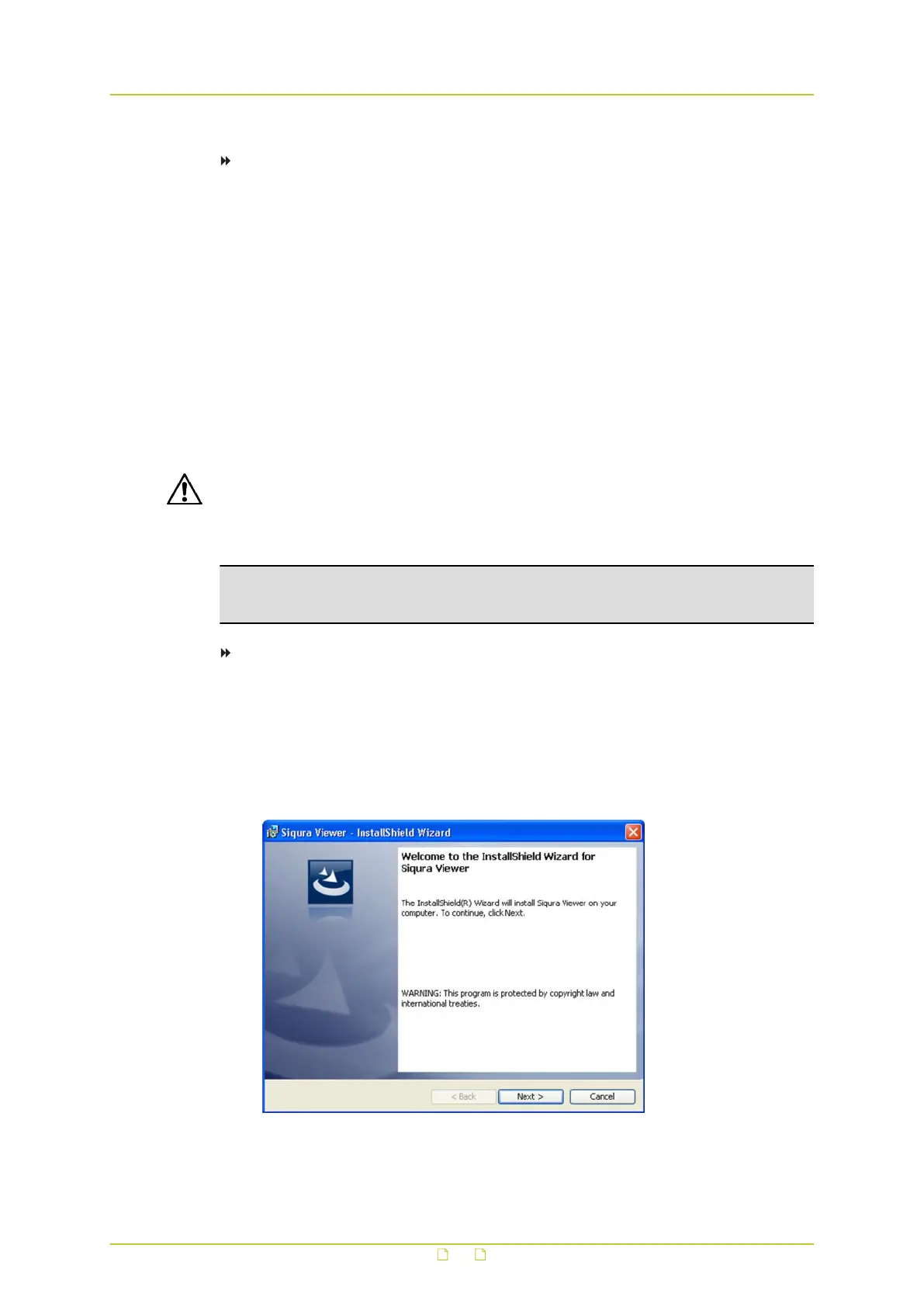
2 In the initial screen of the installation wizard, click Next.
A progress bar is displayed while the application is being installed.
3 When installation is complete, click Finish.
The camera’s web interface is displayed.
Viewer installation wizard
Access the webpages
19



 To Next Page