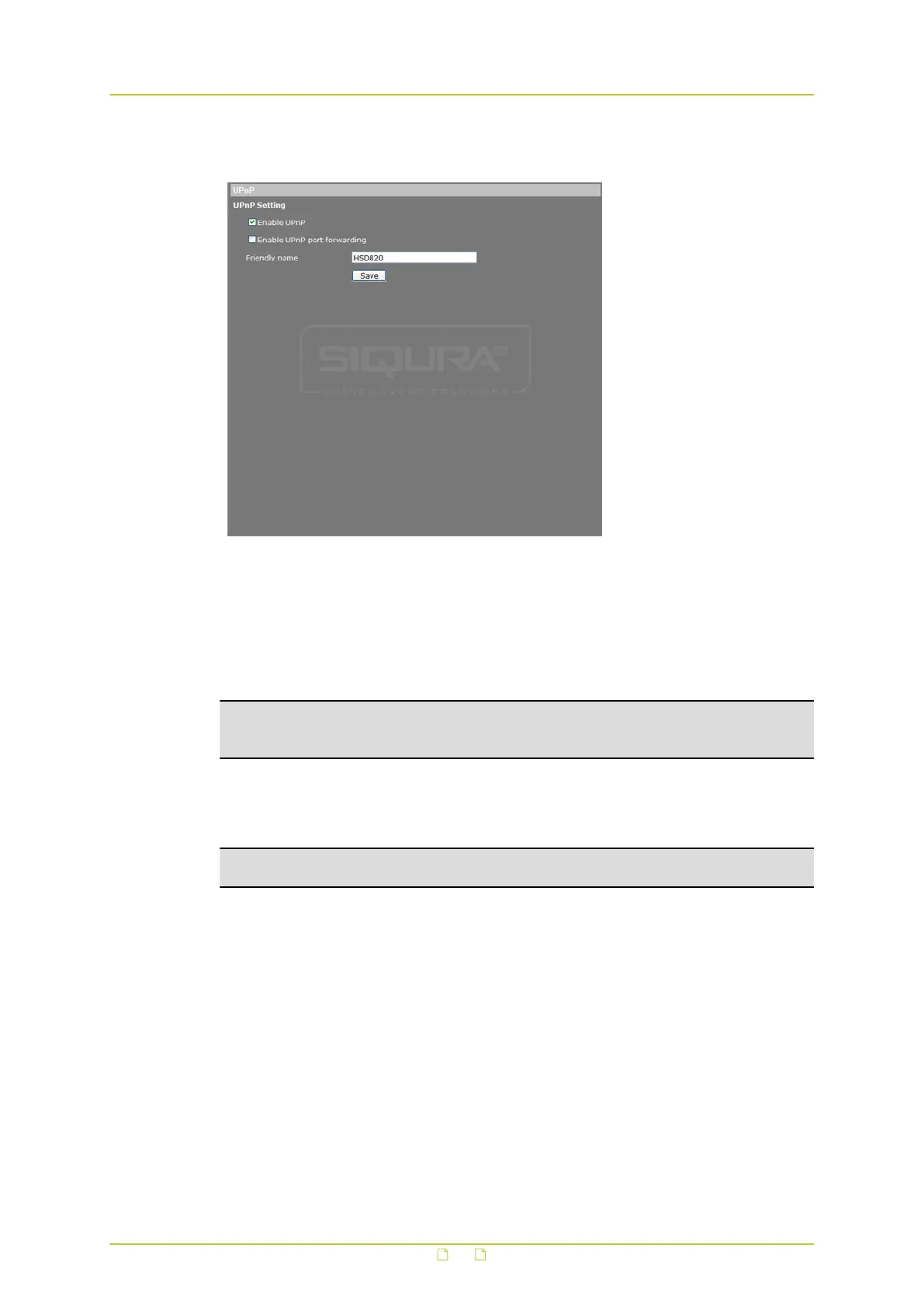
6.3.4 UPnP
System > Network > UPnP
Enable UPnP
If enabled, Universal Plug and Play (UPnP) allows the HSD820v2H3-E to advertise its presence
and services to control points on the network. A control point can be a network device with
embedded UPnP or a Video Management System (VMS). The icon of the HSD820v2H3-E will
appear in My Network Places to allow direct access.
Note: To access the camera from your computer through UPnP, ensure that the UPnP
networking service is installed on your computer. For more information, see Appendix:
Enable UPnP.
Enable UPnP port forwarding
When UPnP port forwarding is enabled, the HSD820v2H3-E is allowed to open the web server
port on the router automatically.
Note: To enable this function, ensure that your router supports UPnP and that the function is
activated.
Friendly name
Set the name that the HSD820v2H3-E will use to identify itself on the network.
System settings
41



 To Next Page