6.13 View information
Via the View information option in the left-hand pane, administrators can access the camera
log file, display user information, and get an overview of the camera parameters and their
current values.
6.13.1 Log file
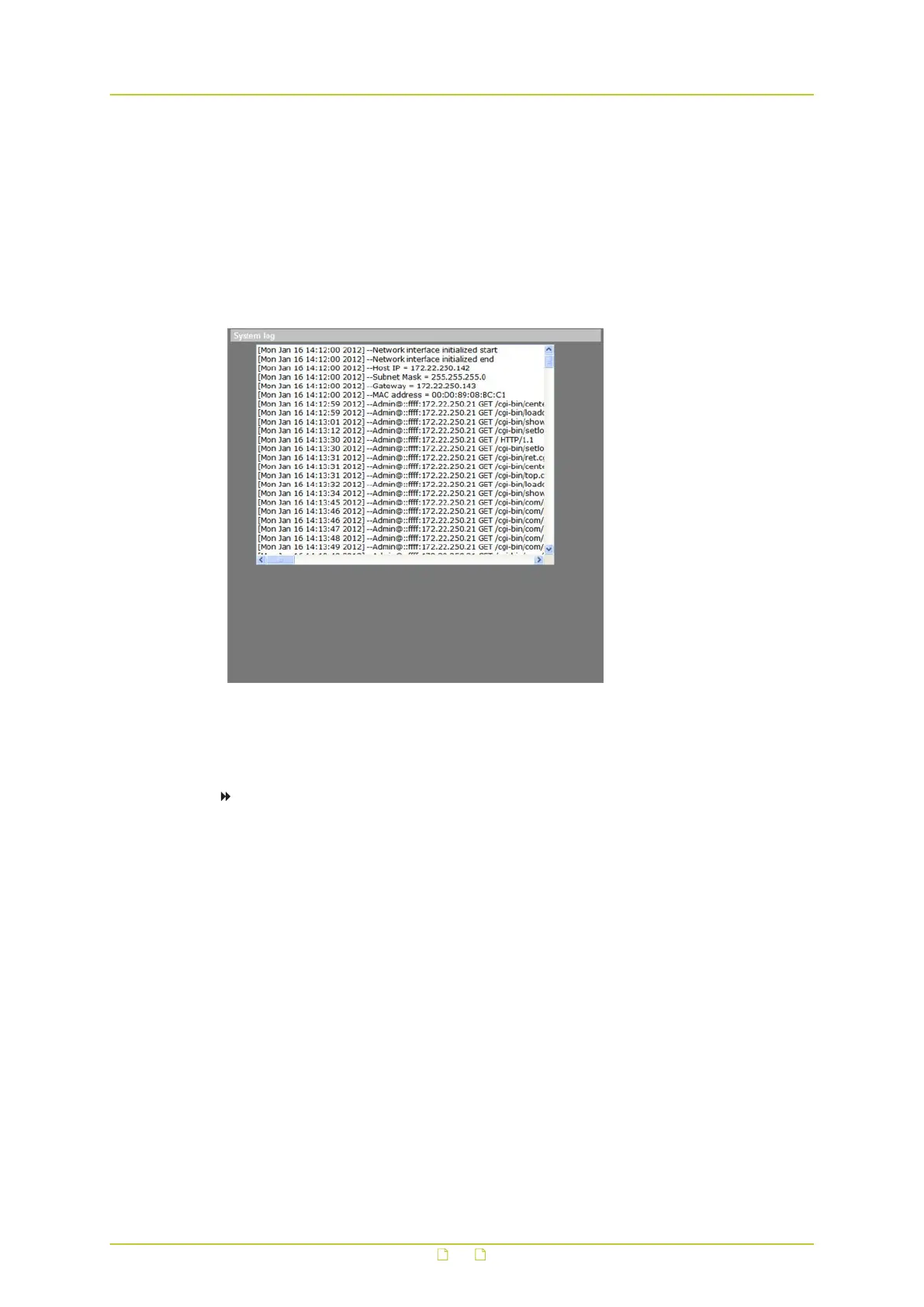
System > View information > Log file
The system log provides useful information about the configuration and connections after
system launch.
To view the system log
● On the System tab, click View information in the menu on the left, and then click Log
file.
The system log is displayed.
System settings
64



 To Next Page