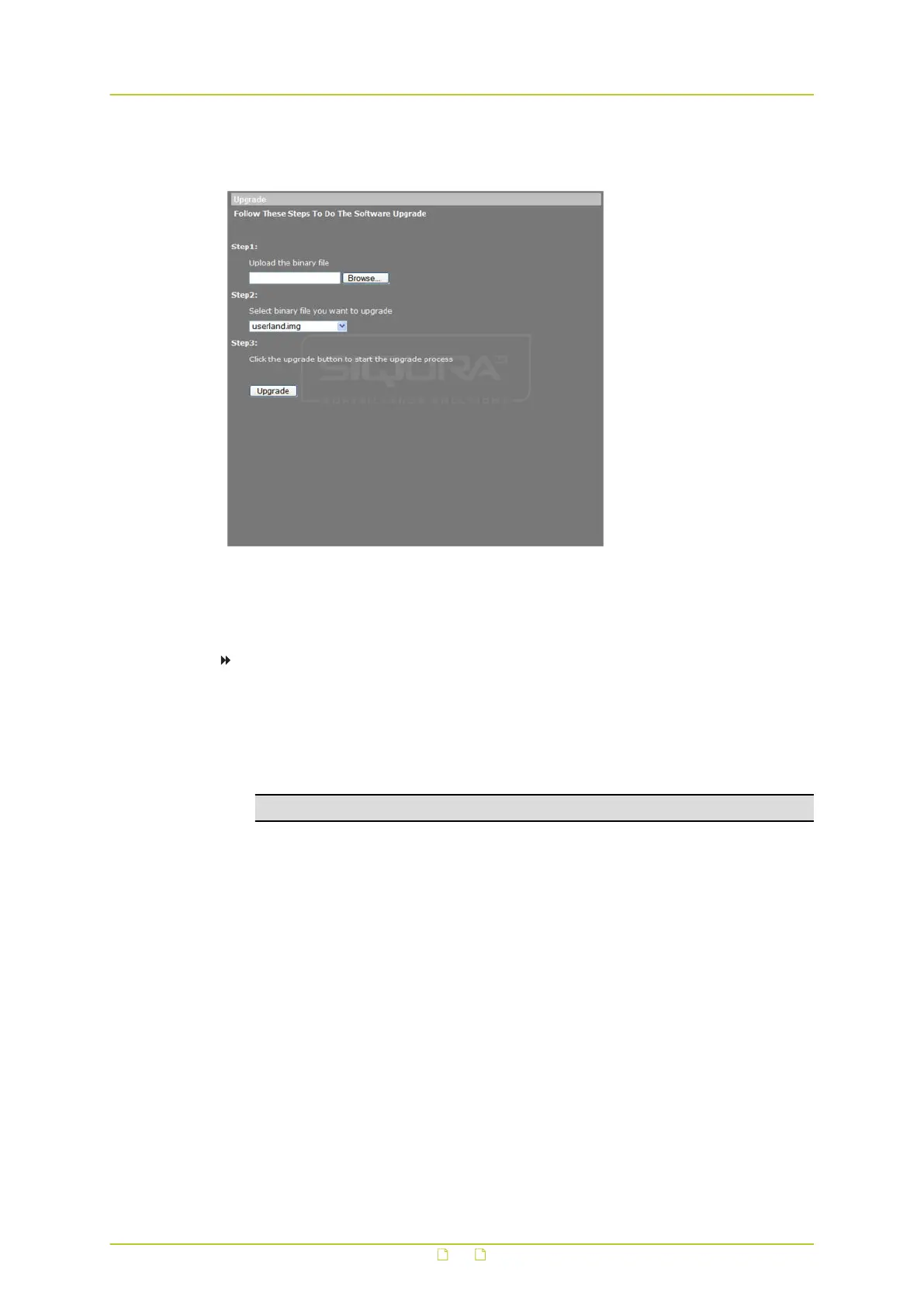
6.16 Software upgrade
System > Software upgrade
Administrators can upgrade the software of the HSD820v2H3-E on the Software upgrade
page.
To upgrade the software of your camera
1 Make sure that the upgrade software file is available before attempting to upgrade
software.
2 On the System tab, click Software upgrade in the menu on the left.
3 Click Browse and select the location and binary file to be uploaded, such as
userland.img, for example.
Note: Do not change the upgrade file name(s), or the system will fail to find the file.
4 Select the file to be upgraded from the Select binary file you want to upgrade list.
5 Click Upgrade.
The upgrade process starts. Progress is shown by an upgrade status bar.
When the upgrade process is complete, the web browser returns to the home page and
operation can continue.
If the new firmware includes a new viewer plugin, you are asked if you want to install it.
If that is the case, perform steps 6-9.
6 Close your web browser.
7 On the Windows Start Menu, click Control Panel, and then click Programs and
Features.
8 In the programs list, select the Viewer add-on, and then click Remove to uninstall the
existing Viewer.
9 Reopen your web browser, relog on to the HSD820v2H3-E, and then allow the automatic
download and installation of Viewer.
System settings
69



 To Next Page