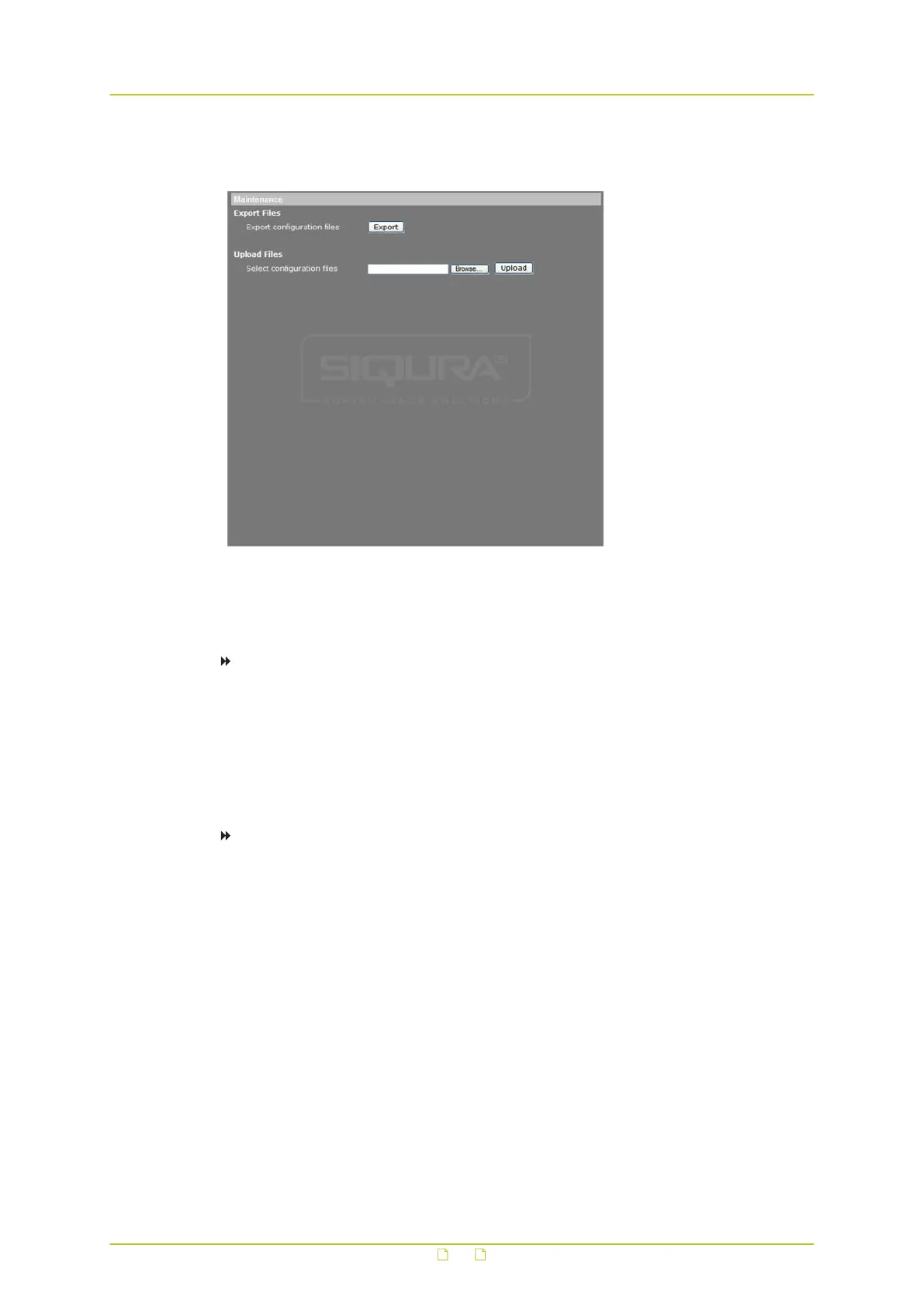
6.17 Maintenance
System > Maintenance
Administrators can use this page to export configuration files (.bin) to a specified location for
future use.
To export the configuration file
1 On the System tab, click Maintenance in the menu on the left.
2 Press Export.
3 In the File Download dialogue box, select Save.
4 If saving the file, choose the local directory where it should be saved.
It is also possible to upload an existing configuration file to the camera.
To upload a configuration file
1 On the System tab, click Maintenance in the left column.
2 To locate the required file, click Browse.
3 When you have selected the desired file, click Upload.
System settings
70



 To Next Page