The camera adopts the settings associated with the profile.
To return to the factory-default values
1 On the Camera - Profile page, click to open the Num list.
2 Click Normal.
3 Click Load.
To delete a profile
1 On the Camera - Profile page, click to open the Num list.
2 In the Num list, select the profile to be deleted.
3 Click in the Name box, and then click the Close button (x) which pops up.
4 Click Save.
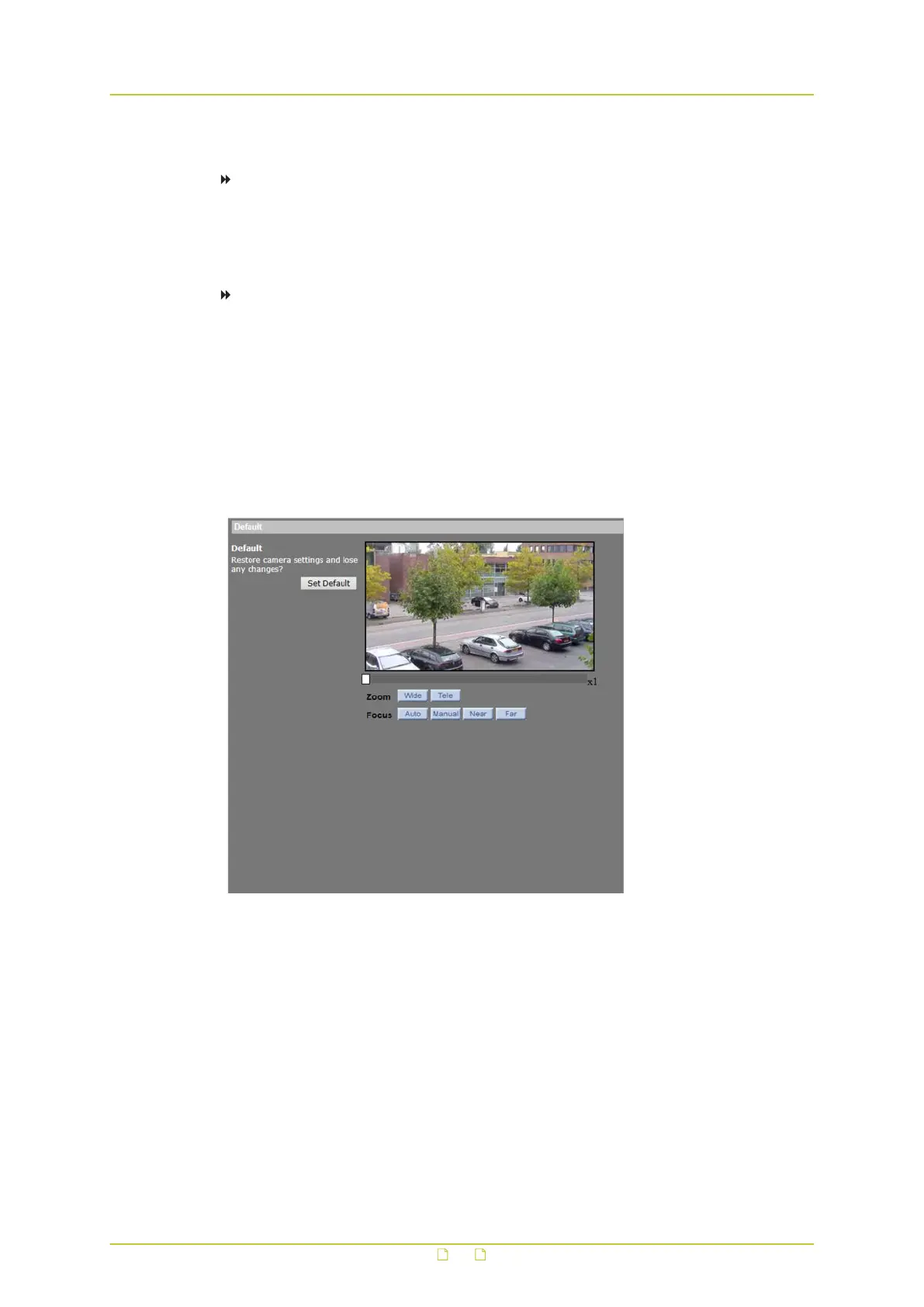
8.13 Camera - Default
PTZ > Camera - Default
The Default option is used to restore some camera settings such as backlight compensation,
exposure mode, exposure compensation, autocalibration, and white balance control to their
factory-default values.
PTZ&IMAGE
97



 To Next Page