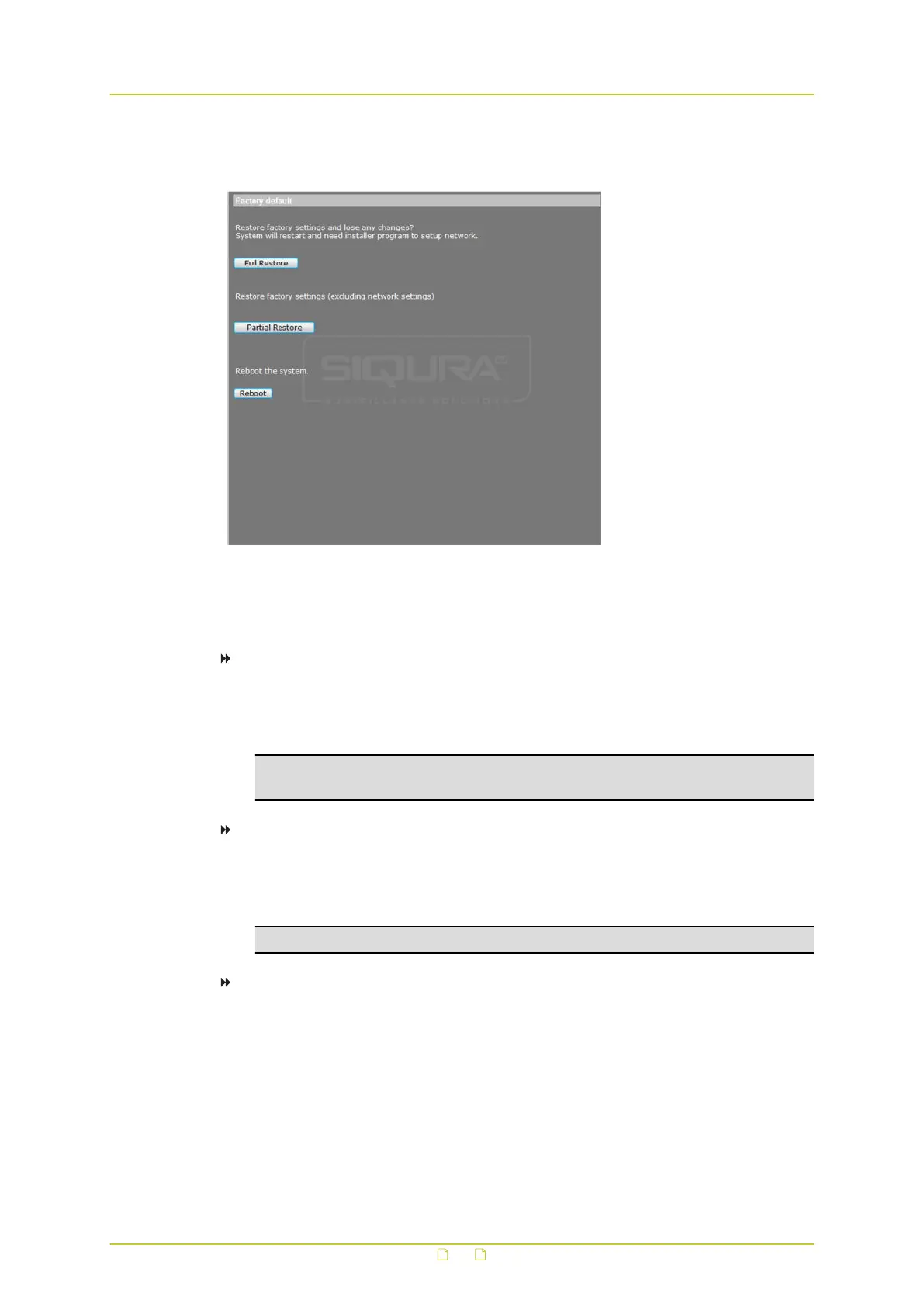
6.14 Factory default
System > Factory default
The Factory default page enables administrators to reset the camera to the default factory
settings.
To perform a full restore to the default factory settings
1 On the System tab, click Factory default in the menu on the left.
2 Click Full Restore.
The system will restart in 30 seconds.
Note: The camera's IP address will be restored to the factory default IP address - that
is, 10.x.x.x.
To perform a partial restore (excluding the network settings)
1 On the System tab, click Factory default in the menu on the left.
2 Click Partial Restore.
The system will restart in 30 seconds.
Note: The camera's current network settings will not be affected by the restore.
To restart the system without changing its settings
1 Click Reboot.
2 Refresh the webpage after the system has restarted.
System settings
67



 To Next Page