Files can be removed, sorted, and downloaded.
To remove a file
1 Click on the selected file.
2 Press the Remove button.
The file is deleted from the network storage.
To sort the files by name and date
● Click Sort.
To save or view a recording file
1 In the Recording list, select a file.
2 Click Download.
A window appears with a link to the file.
3 Click on the link to save the file locally or to play it in your default viewing software.
6.10 Recording
System > Recording
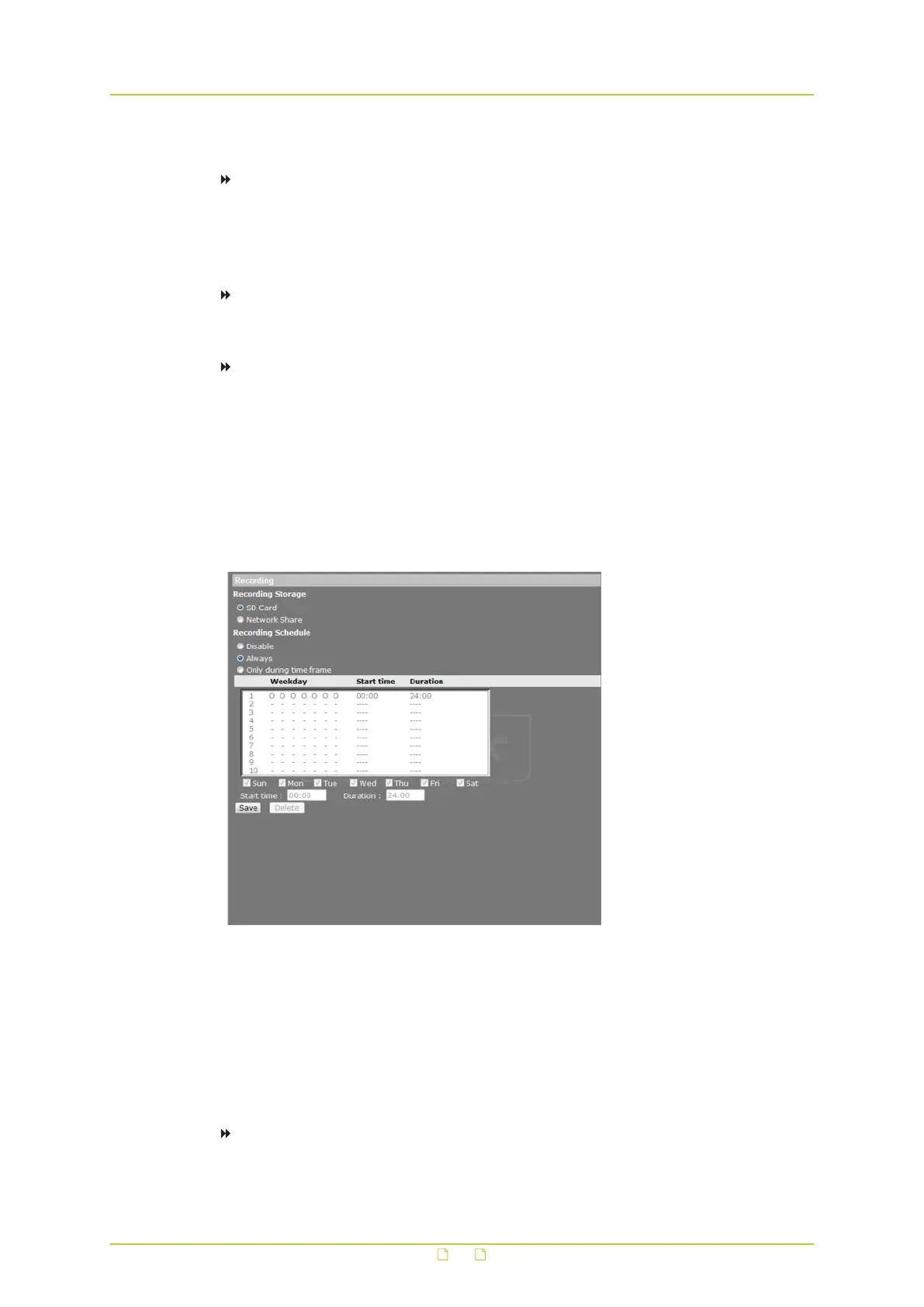
Recording schedules
Administrators can configure up to 10 recording schedules that meet the surveillance
requirements. Recordings are stored on the microSD/SDHC card or on a network share.
● Select Disable to terminate the recording function - that is, if no scheduled recording is
desired.
● Select Always for continuous recording.
To configure a recording schedule for a specific time frame
1 On the System tab, click Recording in the menu on the left.
System settings
61



 To Next Page