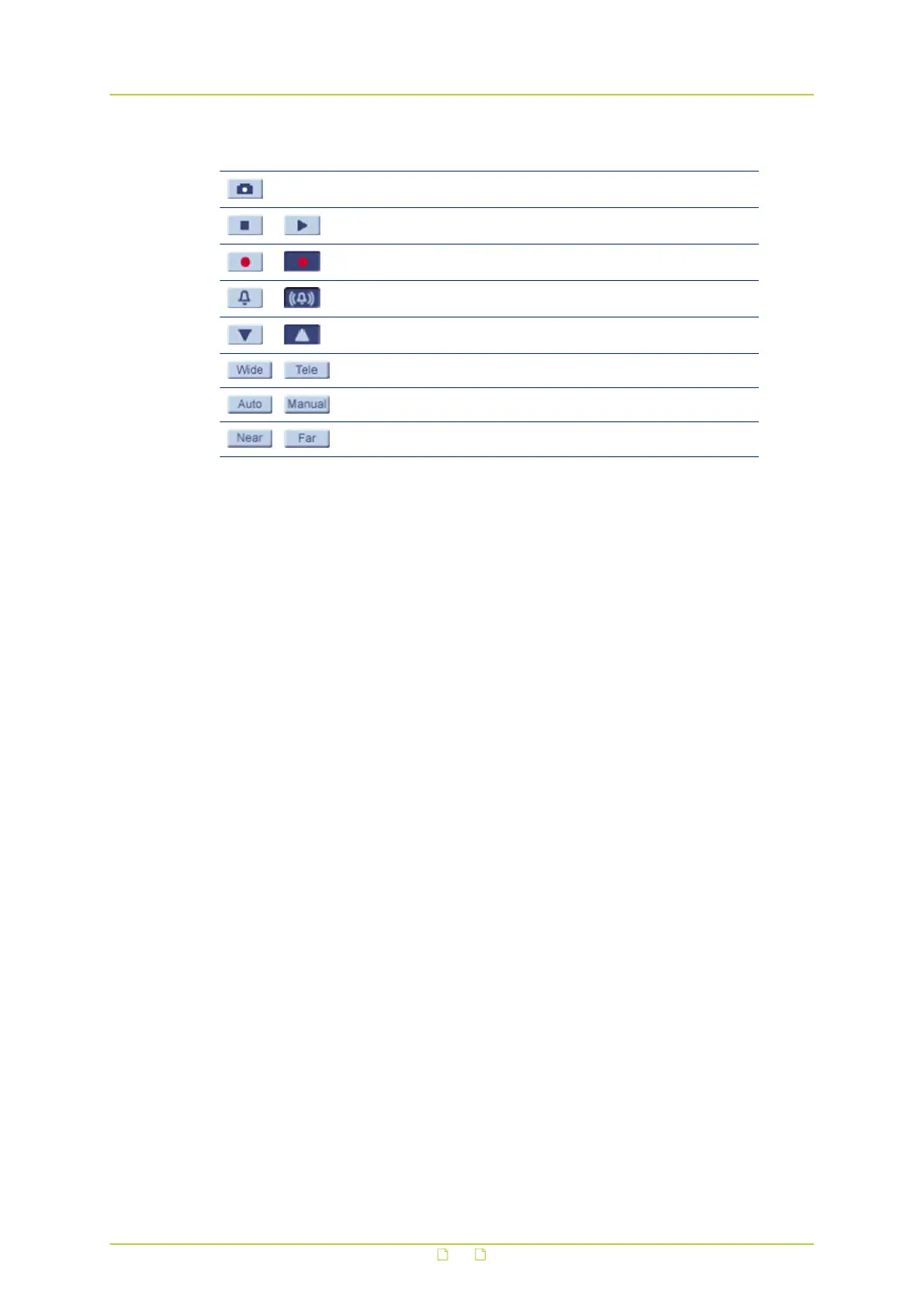
Button Function
Saves a JPEG snapshot (Open IE as Administrator)
Pauses/Resumes video streaming
Starts/Stops Live View recording (Open IE as Administrator)
Activates/Deactivates the manual trigger
Shows/Hides the PTZ panel
Adjusts lens angle to wide angle / tele zoom position
Sets lens focus control to auto/manual mode
Adjusts lens focus to near/far position while in manual mode
5.2 Functions
On the Home page of the camera, you can:
● Select a display language for the webpages
● Select the video format
● Adjust the video display size
● Control the PTZ functions
● View live video
● Communicate with a remote site
● Save snapshots of live view images
● Record video clips
● See details about the current video and audio
Languages
The webpages of the HSD820v2H3-E can be displayed in German, English, French, Italian and
Simplified Chinese. Select the desired language from the Languages list in the upper-right
corner of the page.
Video format
Use the Video format option buttons to select a video stream for display in the camera view.
Screen size
Use the image display buttons to adjust the screen size. You can also right-click the camera
view and then select Fullscreen or Normal View.
Home
22



 To Next Page