Time: set the start time and duration.
5 Click Save.
To delete a schedule
1 On the schedule overview, select the schedule that you want to delete.
2 Click Delete.
Note: You need to select By Schedule on pages such as Motion detection and Network
failure detection to enable the Schedule function.
6.12 File location
System > File location
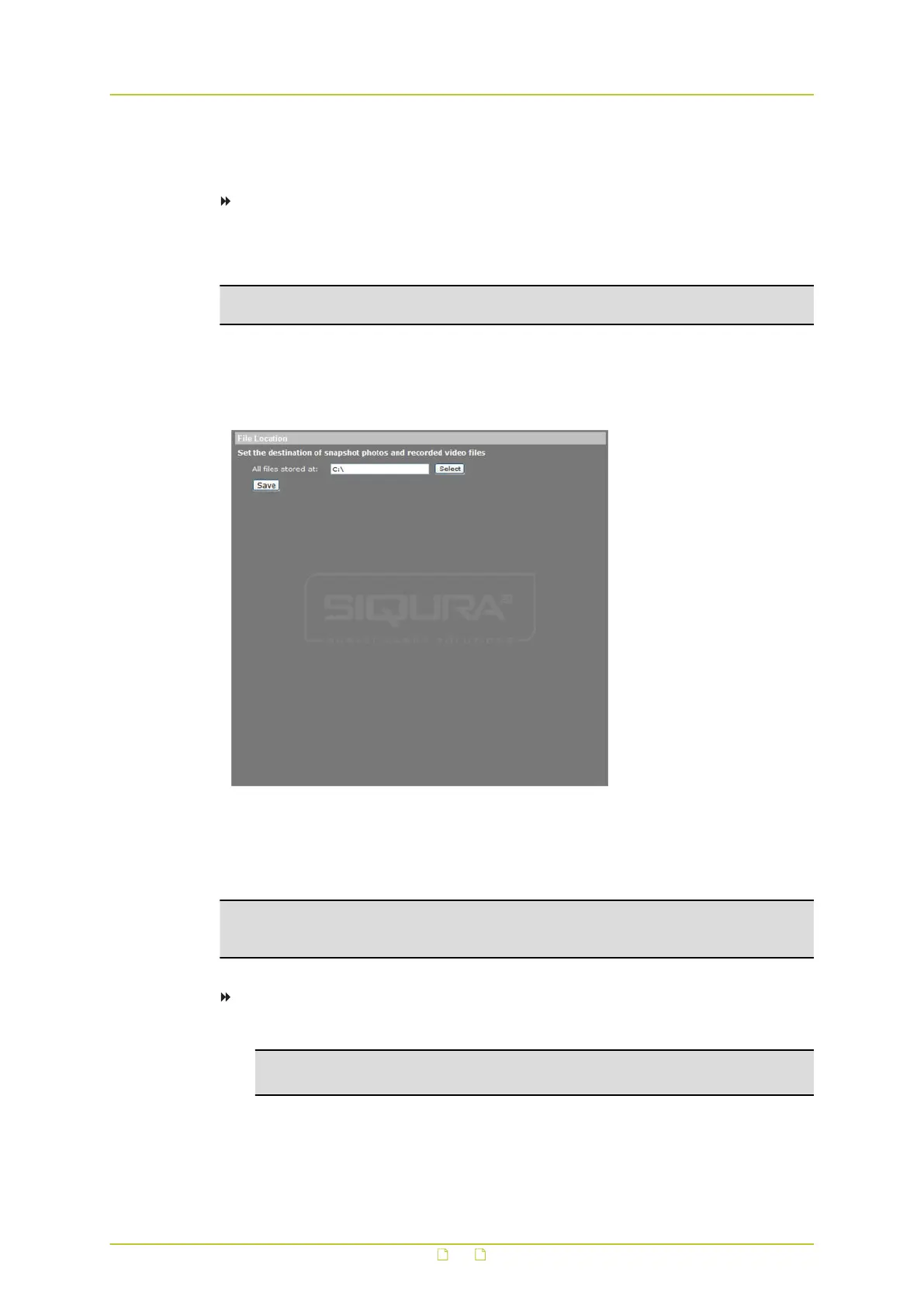
The HSD820v2H3-E offers JPEG snapshot and MJPEG recording functionality. Users can
specify a storage location for the snapshots and live video recordings. The default storage
location is C:\.
Note: To implement the Snapshot and Recording functions, users working with Windows 7
or Windows 10 must run Internet Explorer as administrator (right-click the IE browser icon
and select "Run as Administrator").
To change the storage location:
1 Enter the new location in the All files stored at: box.
Note: Make sure the selected file path contains only valid characters such as letters
and numbers.
2 Alternatively, click Select to browse for a location.
3 Once you have chosen a new location, click Save.
All new snapshots and recorded video will be saved to the designated location.
System settings
63



 To Next Page