Include subtitle: up to three text boxes can be used.
Include preset title: adds the name of the current camera preset.
Include text string: type the text you wish to add.
3 Align the text(s) as necessary and drag the text box(es) to the desired position on the
preview.
4 Click Set.
5 In the Text overlay color list, select a font colour.
6 In the Text overlay size list, set the text size to small, medium or large.
7 Click Set.
To add an image overlay
1 On the Streaming tab, click Video text overlay in the menu on the left.
2 In the Overlay type section, click Include Image.
3 Drag the image box to the desired position on the preview.
4 Under Image overlay setting, click Browse.
5 Locate and select an image that meets the following requirements:
- Format: 8-bit .bmp
- Width: a multiple of 32 pixels
- Height: a multiple of 4 pixels
6 Click Upload.
7 Type a value in the Image transparency box.
Range: 0 - 255.
8 Click Set.
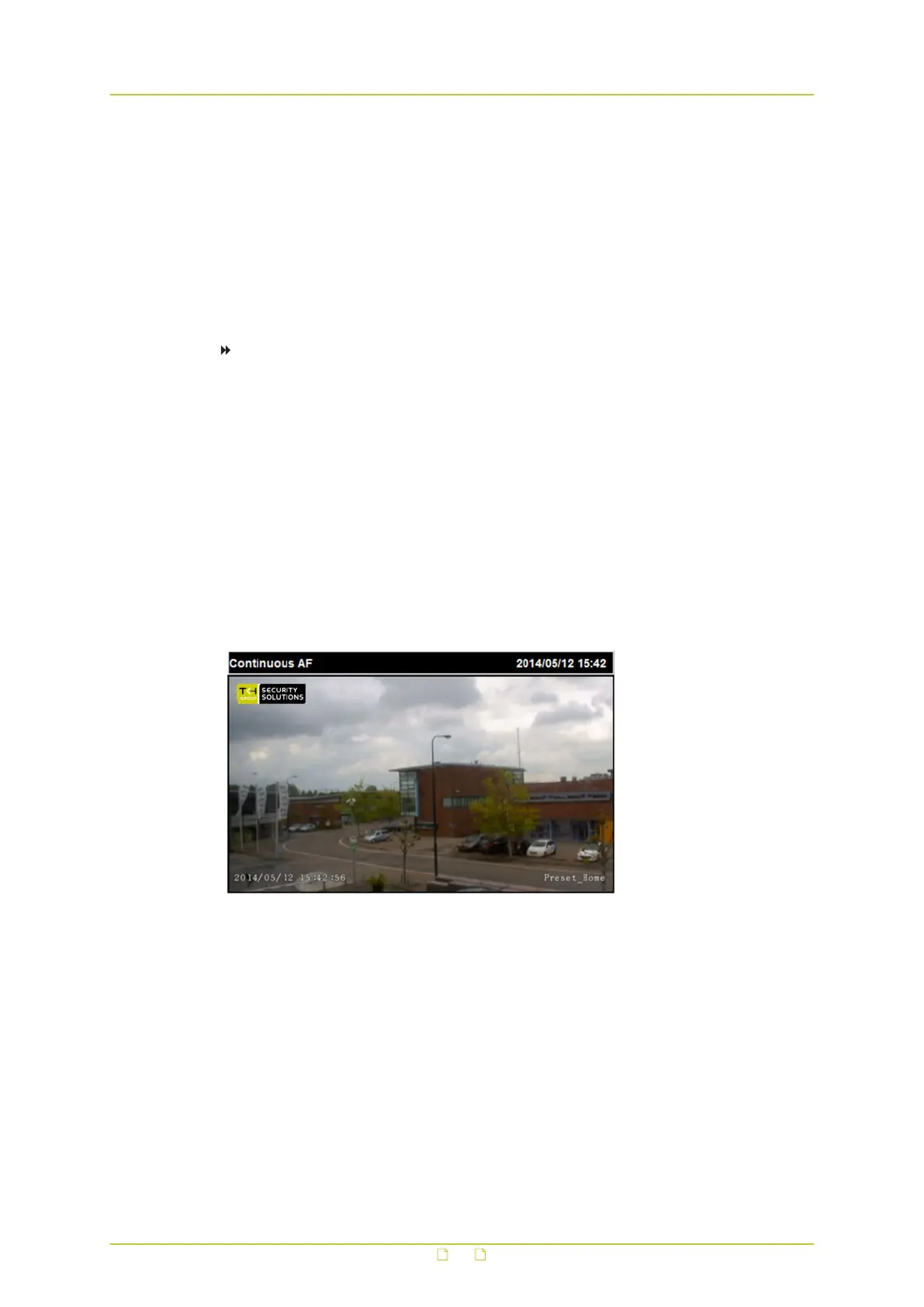
Camera view with three overlays: Image overlay (top left), Date & time
(bottom left), and Preset title (bottom right)
Video and audio streaming
75



 To Next Page