Configuring the Receiver
AbouttheOAF
42
P/N:1000737‐01
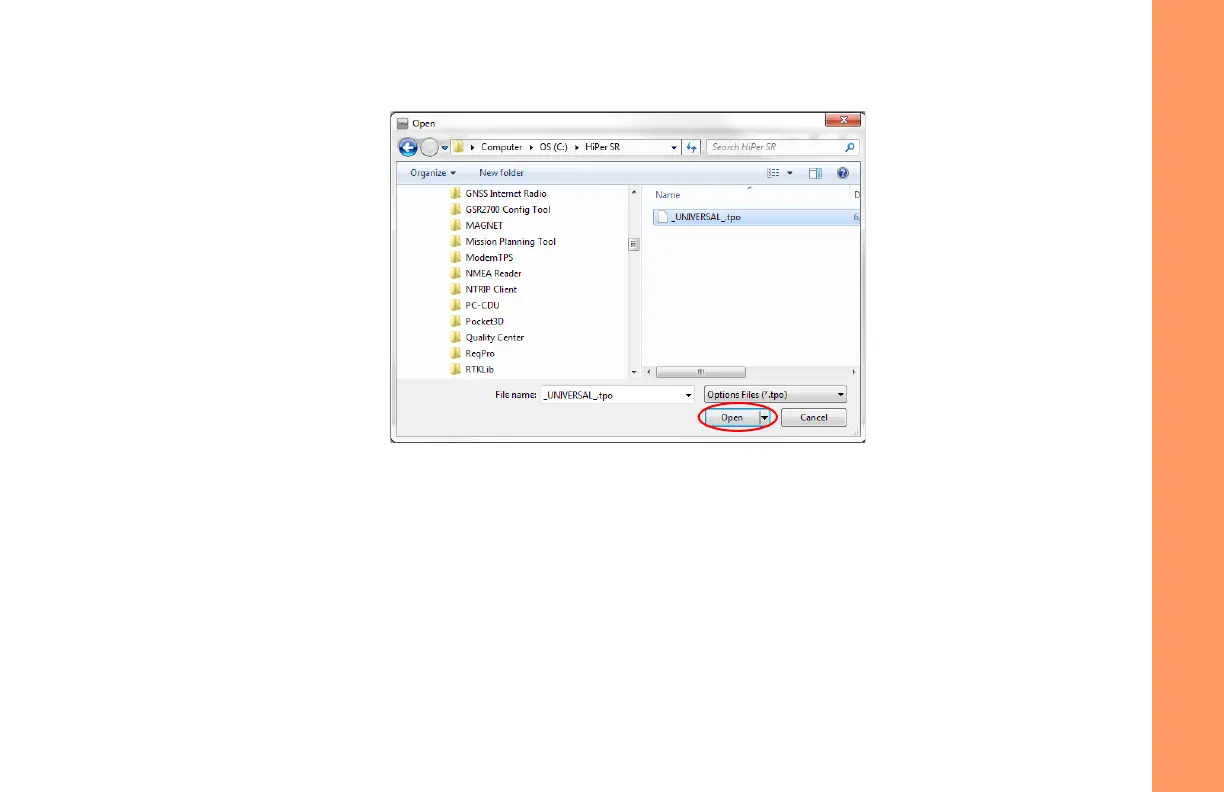
3. NavigatetothelocationofthenewOptionAuthorizationFile(Figure11).
Figure11:LoadOAF
4. Selecttheappropriatefile,andclickOpen(Figure11).
Topcon’s TRUinitiallycheckstoseeiftheselectedfileiscompatiblewiththecurrentlyconnectedreceiver.Ifyou
choseafilenotintendedforthisreceiver,theUploadOAFwindowdisplaysanerroriconnexttotheReceiverIDand
disablestheUploadtheFiletotheReceiverbutton.



 To Next Page