26
PREPARATONS BEFORE USE
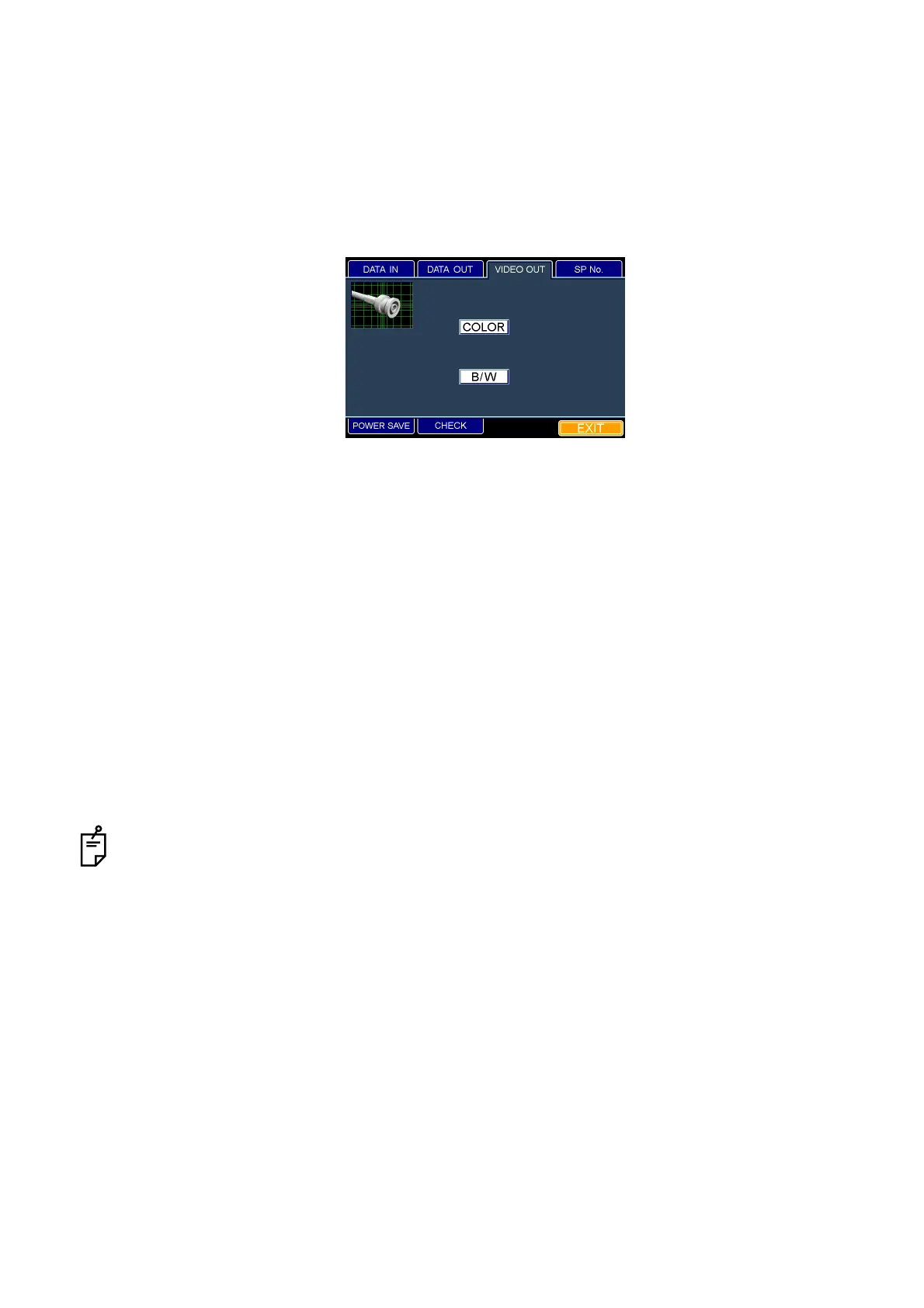
Setting the video OUT output
You can set the image color to be sent from the VIDEO OUT output terminal.
The set icon is outlined in yellow. "COLOR" is set when shipped.
1 Fit the mouse pointer to the "VIDEO OUT" tab in the upper section and click it.
2 The "VIDEO OUT" dialog box appears.
3 When you want to set the image color, fit the mouse pointer to the "COLOR" or "B/W" icon and
click it.
If you want to output a color image, click the "COLOR" icon.
If you want to output a monochrome image, click the "B/W" icon.
4 The set icon is outlined in yellow.
How to finish setting
1 Move the mouse to fit the mouse pointer to the "EXIT" tab and click it.
2 The eye observation display appears.
When you want to set any other item, fit the mouse pointer to the desired tab and click it.
"VIDEO OUT" dialog box



 To Next Page