38
BASIC OPERATION
Example: Photographing the right segment of the cornea center
1 Hold the joystick and pull the instrument to
the inspector side all the way.
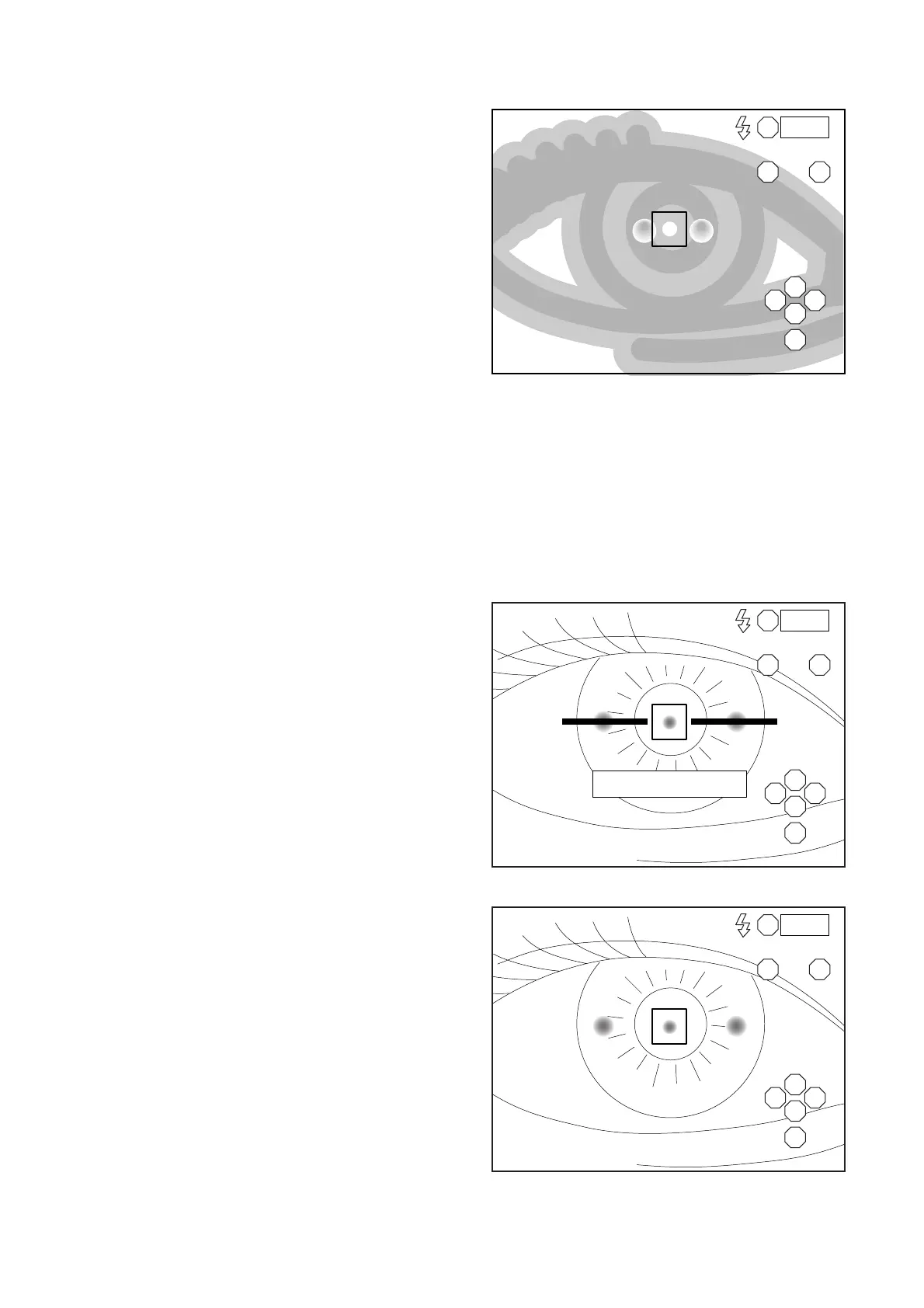
2 Move the instrument laterally or vertically
with the joystick to display the right anterior
eye segment on the monitor screen.
The anterior eye segment is seen dimly.
3 Instruct the patient to keep looking at the
blinking light.
4 Push the instrument slowly toward the
patient.
5 Set the bright spot within the automatic
alignment area.
Automatic alignment is performed in lateral
and vertical directions and the alignment
dot is seen.
6 Push the instrument further toward the
patient.
When the instrument approaches the eye,
the alignment bar and "FORWARD" appear
on the monitor screen.
7 After the alignment bar is displayed, push
the instrument toward the patient a little.
Automatic alignment starts. After alignment
and photography are automatically per-
formed , the image is displayed on the mon-
itor.
R
LA
S
T N
C
I
0001
R
LA
S
T N
C
I
0001
FORWARD
R
LA
S
T N
C
I
0001



 To Next Page