219
2-4. Using other driving systems
2
When driving
4RUNNER_U
n The rear view monitor system can be operated when
Vehicles without a smart key system: The engine switch is in the “ON” posi-
tion and the shift lever is in R.
Vehicles with a smart key system: The “ENGINE START STOP” switch is in
IGNITION ON mode and the shift lever is in R.
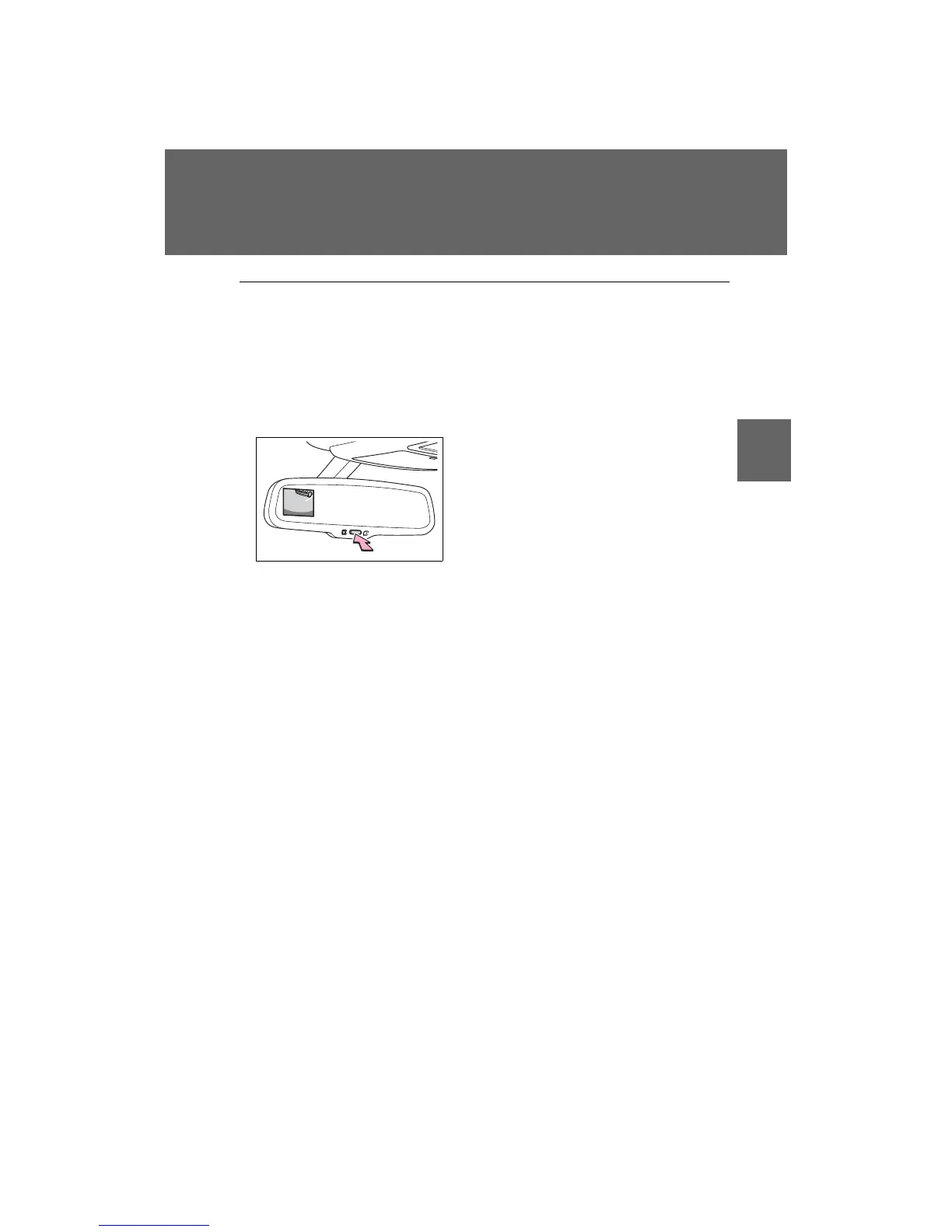
n Switching the screen on/off
When the screen is displayed, press the
“AUTO” button on the inside rear view
mirror to switch the screen on/off.
Screen on: Green indicator comes on.
Screen off: Orange indicator comes on.
In the following situation, the display
will be re-enabled if it has been turned
off:
Vehicles without a smart key system
The engine switch is turned to the “ON”
position.
Vehicles with a smart key system
The “ENGINE START STOP” switch is
turned to IGNITION ON mode.
CTH24AS014
















 To Next Page