319
3-2. Using the audio system
3
Interior features
4RUNNER_U
XM
®
Satellite Radio (if equipped)
n Receiving XM
®
Satellite Radio
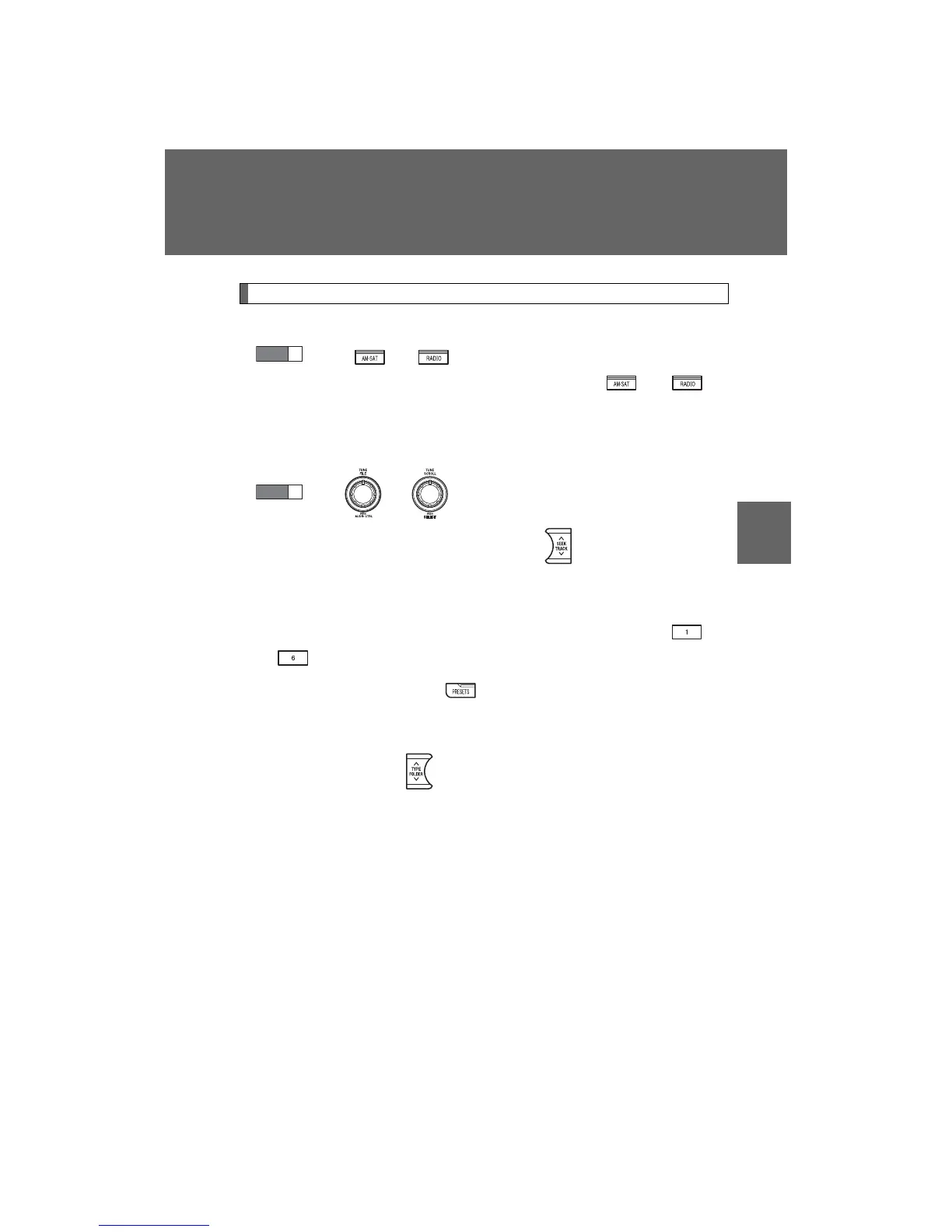
Press or
.
The display changes as follows each time or is
pressed.
Type A: AM → SAT1 → SAT2 → SAT3
Type B and C: AM → FM → SAT
Turn or to select the desired channel in all the
categories or press “∧” or “∨” on to select the desired
channel in the current category.
n Setting XM
®
Satellite Radio channel presets
Select the desired channel. Press and hold a button (from to
) until you hear a beep.
Type B and C: Each time is pressed, station pages are changed.
There are a total of 6 pages.
n Changing the channel category
Press “∧” or “∨” on .
STEP
1
STEP
2














 To Next Page