386
3-4. Using the hands-free phone system (for cellular phone)
4RUNNER_U
Operating the system using a voice command
By following voice guidance instructions output from the speaker,
voice commands enable the operation of the hands-free phone sys-
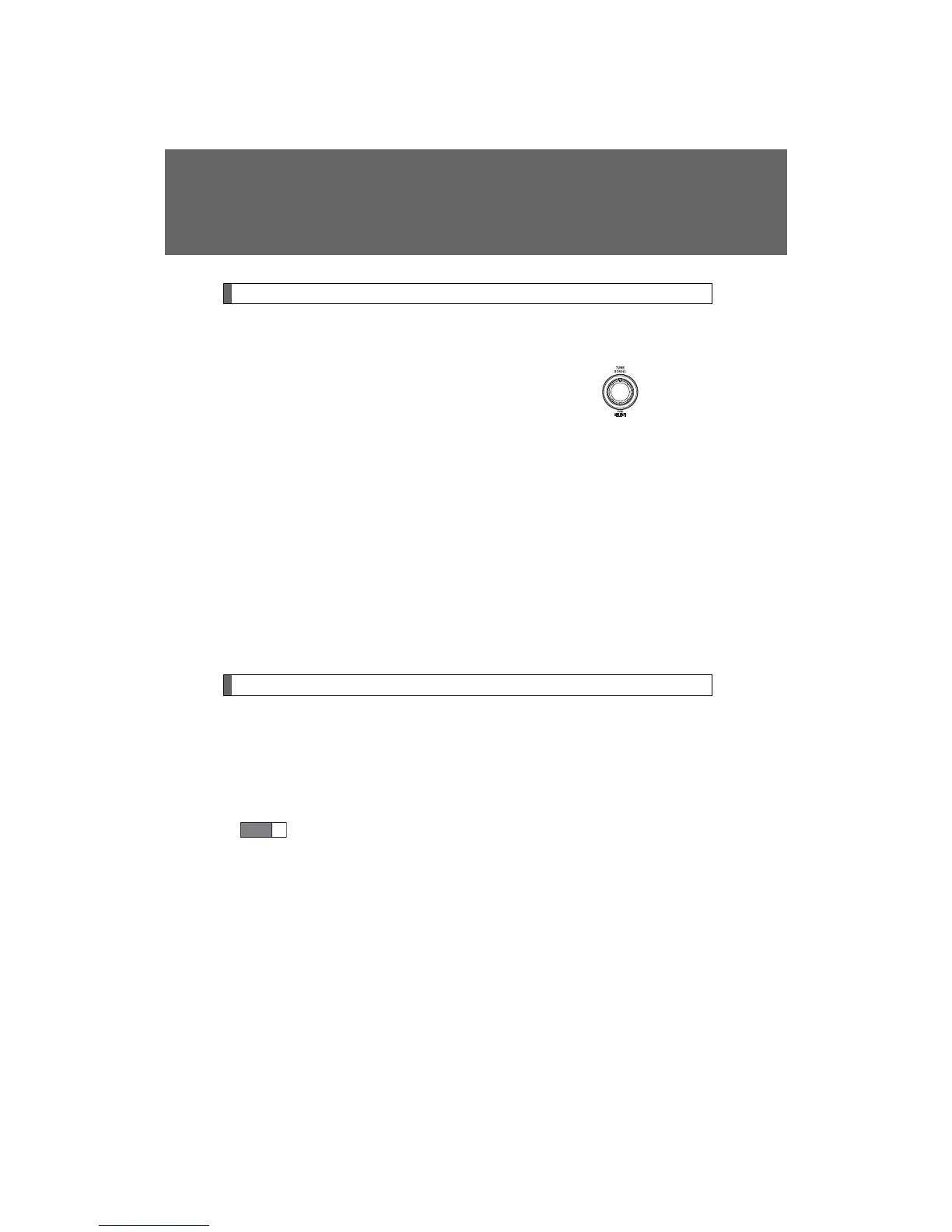
tem without the need to check the display or operate .
n Operation procedure when using a voice command
Press the talk switch and follow voice guidance instructions.
n Auxiliary commands when using a voice command
The following auxiliary commands can be used when operating the
system using a voice command:
“Cancel”: Exits the hands-free phone system
“Repeat”: Repeats the previous voice guidance instruction
“Go back”: Returns to the previous procedure
“Help”: Reads aloud the function summary if a help comment is
registered for the selected function
Using the hands-free phone system for the first time
Before using the hands-free phone system, it is necessary to register
a cellular phone in the system. The phone registration mode will be
entered automatically when starting the system with no cellular
phone registered. Follow the procedure below to register a cellular
phone:
Press the off-hook switch or the talk switch.
The introductory guidance and phone name registration instructions
are heard.
STEP
1












 To Next Page