363
3-2. Using the audio system
3
Interior features
4RUNNER_U
Selecting a track/file or song
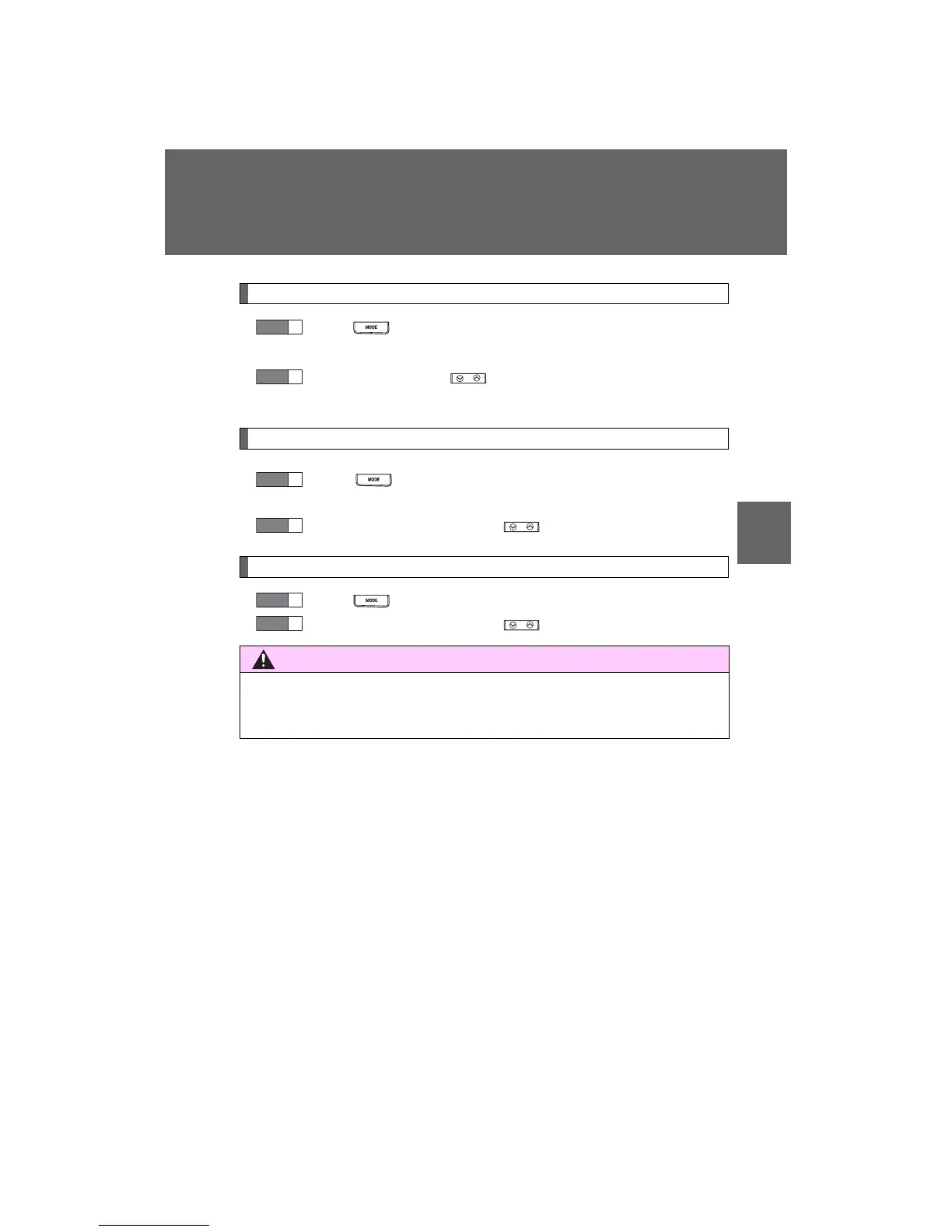
Press to select CD, iPod
®
, USB memory or Bluetooth
®
audio mode.
Press “∨” or “∧” on to select the desired track/file or
song.
Selecting a folder or album
Press to select the CD, USB memory or Bluetooth
®
audio mode.
Press and hold “∨” or “∧” on until you hear a beep.
Selecting a disc in the CD player (type C only)
Press to select CD mode.
Press and hold “∨” or “∧” on until you hear a beep.
CAUTION
n To reduce the risk of an accident
Exercise care when operating the audio switches on the steering wheel.
STEP
1
STEP
2
STEP
1
STEP
2
STEP
1
STEP
2











 To Next Page