40
1-2. Opening, closing and locking the doors
4RUNNER_U
n Security feature
If a door is not opened within approximately 60 seconds after the vehicle is
unlocked, the security feature automatically locks the vehicle again.
n Battery-saving function
In the following circumstances, the entry function is disabled in order to pre-
vent the vehicle battery from discharging and the electronic key battery from
depleting.
l When the entry function has not been used for 5 days or more
l When the electronic key has been left within approximately 6 ft. (2 m) of
the vehicle for 10 minutes or more
l If the entry function has not been used for 14 days or more, the vehicle
cannot be unlocked by a door other than the driver's door. To unlock the
vehicle, grip the driver's door handle or use the wireless remote control
or the mechanical key.
The system will resume operation when
l The vehicle is locked using the door handle lock switch when carrying the
electronic key on your person.
l The vehicle is locked/unlocked using the wireless remote control.
(→P. 47)
l The vehicle is locked/unlocked using the mechanical key. (→P. 596)
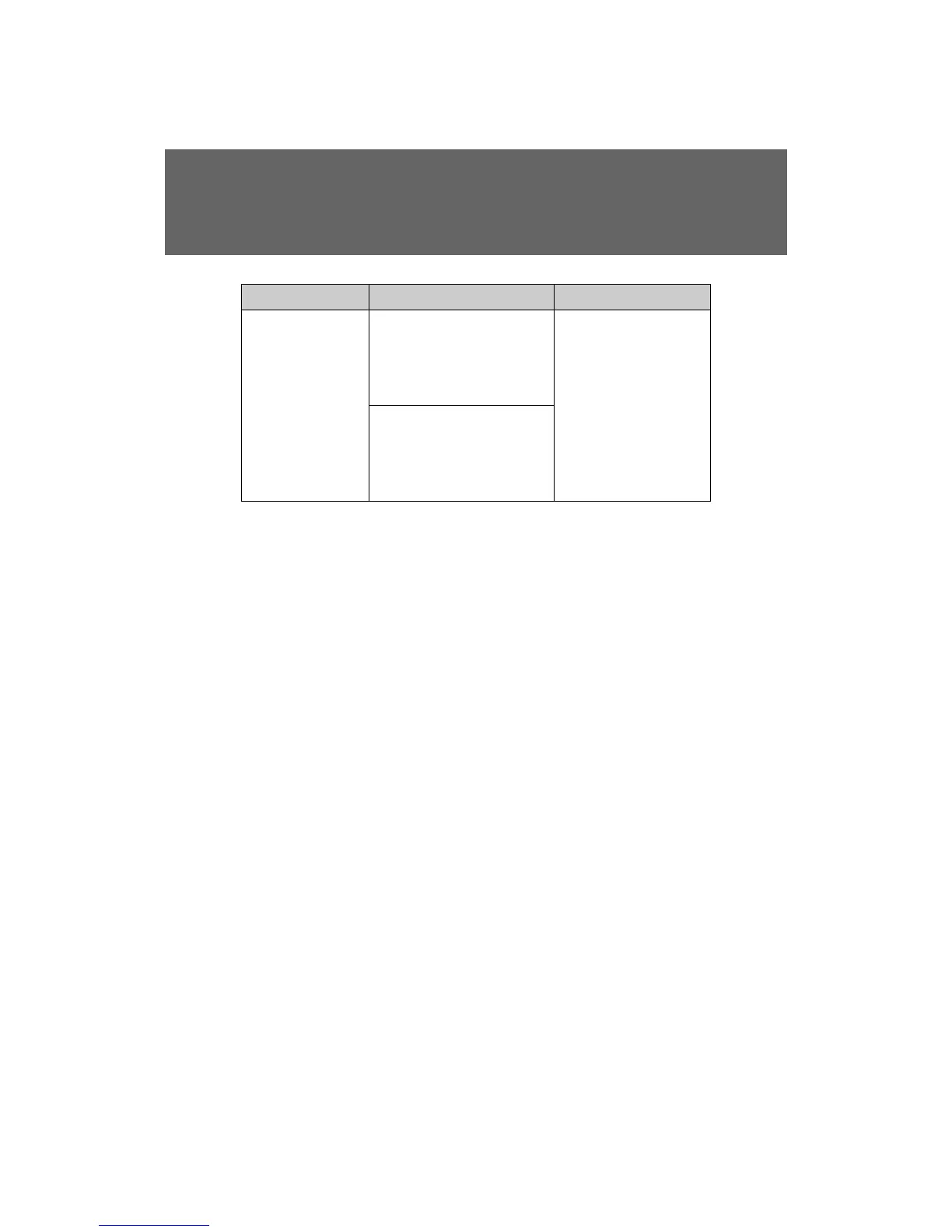
Alarm Situation Correction procedure
Interior alarm
sounds once.
The “ENGINE START
STOP” switch was pressed
after the doors were
unlocked with the mechan-
ical key.
Touch the electronic
key to the “ENGINE
START STOP” switch
while depressing the
brake pedal.
The “ENGINE START
STOP” switch was pressed
two consecutive times
without the electronic key
being present.











 To Next Page