343
3-2. Using the audio system
3
Interior features
4RUNNER_U
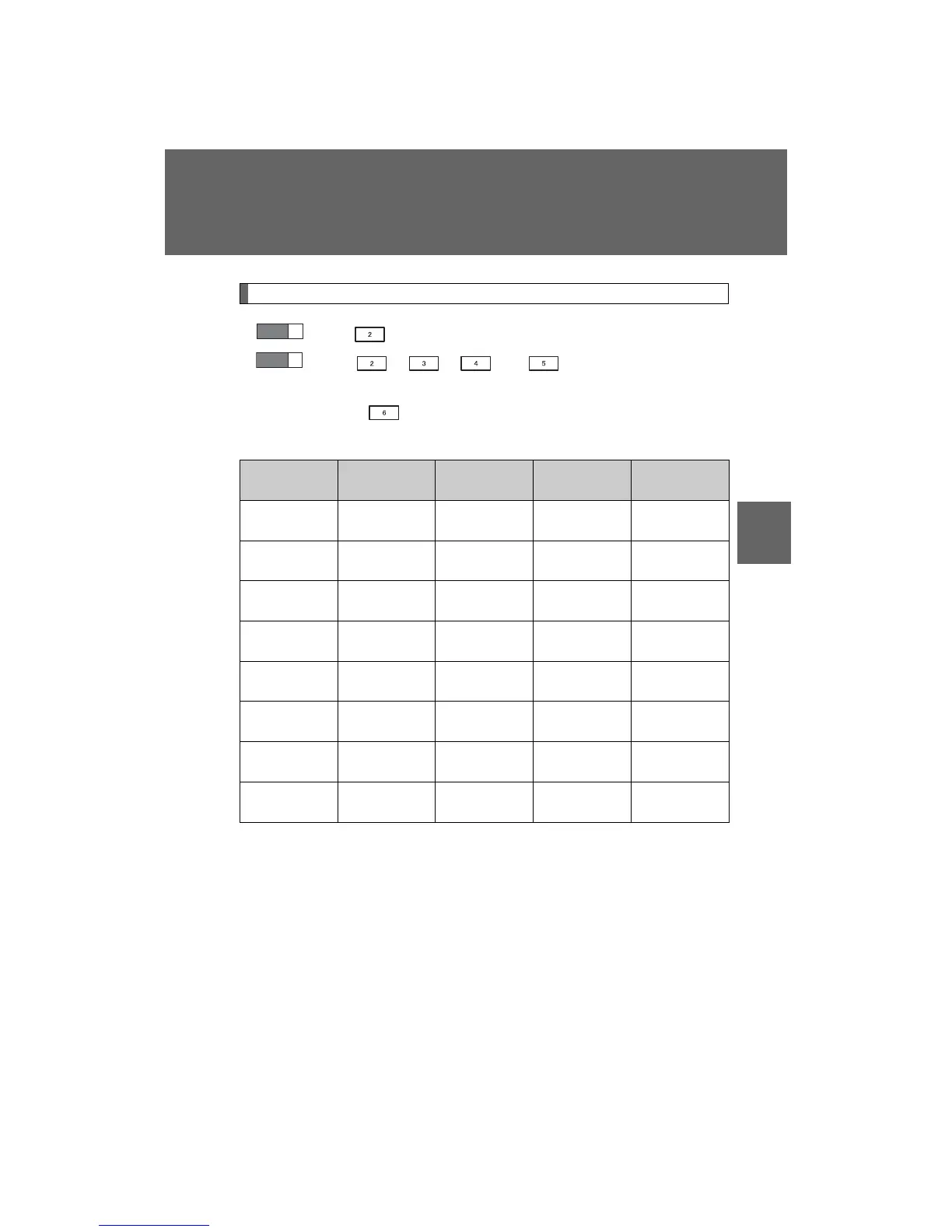
Selecting a play mode
Press (BROWSE) to select iPod
®
menu mode.
Press , , or as corresponds to the
desired play mode.
Pressing (MORE) to change to the second selection list.
n Play mode list
Depending on the model, the name of your iPod
®
may be displayed at
the top of the list.
Play mode
First
selection
Second
selection
Third
selection
Fourth
selection
PLIST
Playlist
select
Songs
select
--
ARTIST Artist select
Albums
select
Songs
select
-
ALBUM
Albums
select
Songs
select
--
GENRE Genre select Artists select
Albums
select
Songs
select
SONGS
Songs
select
---
PODCST
Albums
select
Songs
select
--
COMPSR
Composers
select
Albums
select
Songs
select
-
BOOK
Songs
select
---
STEP
1
STEP
2













 To Next Page