TracVision TV3 User’s Guide
14
Getting Started
Accessing the Web Interface
The TV-Hub’s web interface allows you to check system status, switch
satellites and master receiver, update software and the satellite library,
and configure all aspects of the system. To access the web interface
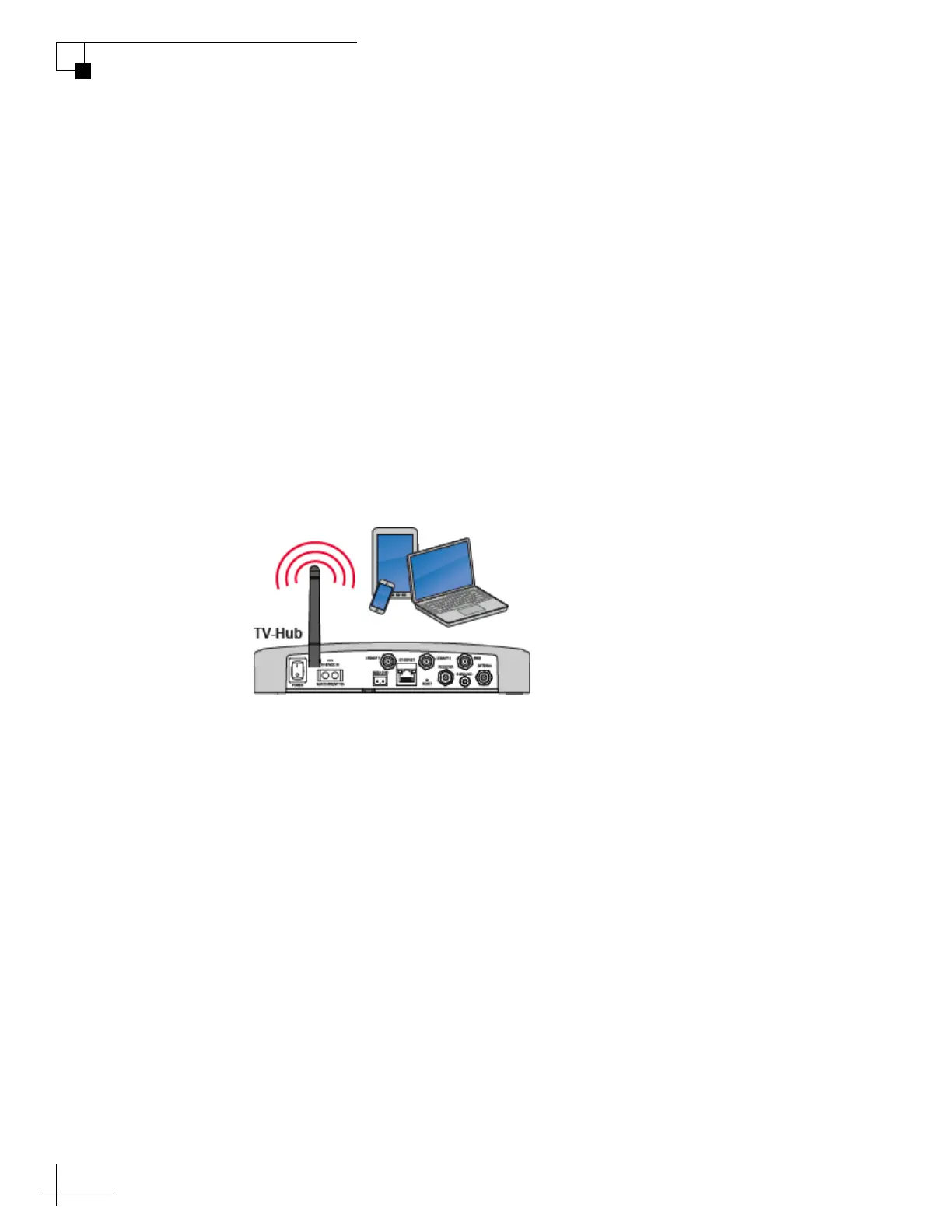
using any Wi-Fi-enabled mobile device (such as a smartphone, tablet,
or laptop), follow these steps:
1. Select the TVHub-<TV-Hub serial number> network from
your device’s Wi-Fi settings to connect to the TV-Hub.
2. Start your web browser and enter http://tvhub.kvh. As long as
the TV-Hub is turned on and functioning properly, the Home
page will appear in your browser. For details on the
information provided on the home page, see “Status
Information on the Home Page” on page 73.
Figure 2-5 Wireless Connection to TV-Hub Web Interface
NOTE: If the TV-Hub is connected to an onboard network, you may also
access the web interface over the network by entering the TV-Hub’s IP
address in your browser. (You can find the IP address on the Settings page of
the web interface. See “TV-Hub Ethernet Settings” on page 19).



 To Next Page