TracVision TV3 User’s Guide
82
Troubleshooting
Event Log
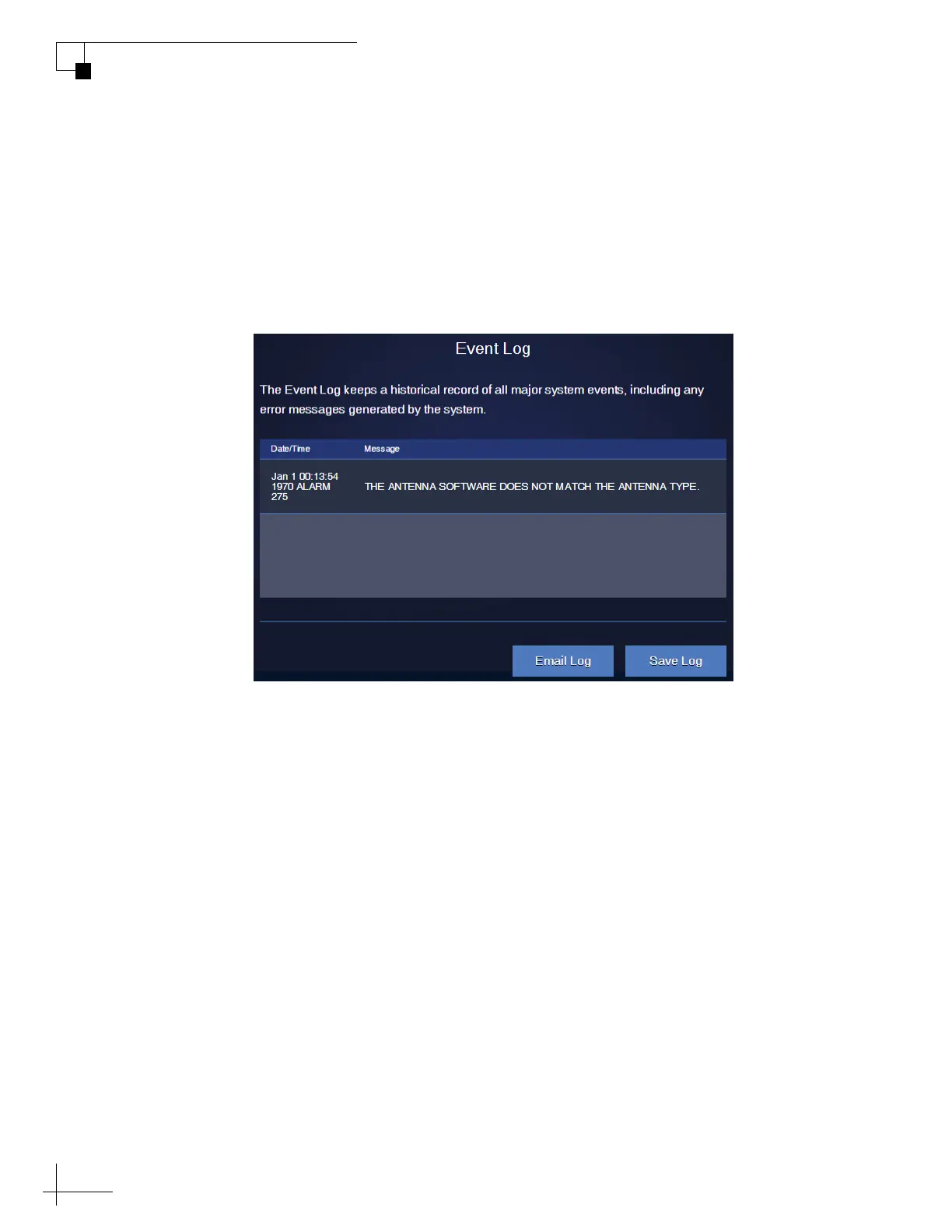
The Event Log keeps a historical record of all major system events,
including any error messages the antenna system generates. On the
Support page of the web interface, select Event Log. You can then save
the log file (.log extension) to your computer or e-mail it to KVH
Technical Support.
Figure 8-6 Event Log



 To Next Page