TracVision TV3 User’s Guide
77
Troubleshooting
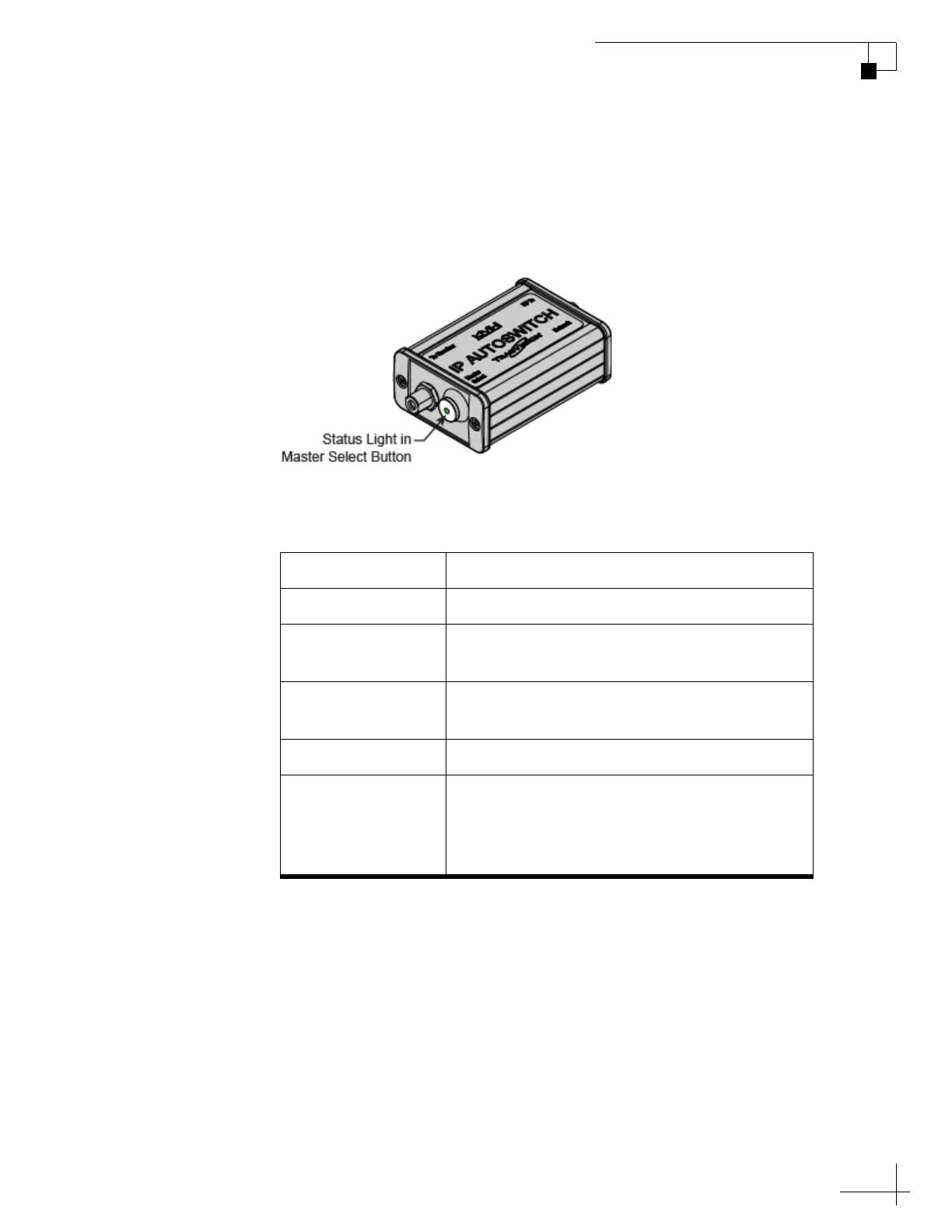
IP AutoSwitch Status Indicator
A status light on the IP AutoSwitch indicates the current status of the
IP AutoSwitch.
Figure 8-3 IP AutoSwitch Status Light
The table below explains what the IP AutoSwitch status light
indicates.
State Description
Off No power input from the receiver
Green Registered with the TV-Hub and currently
selected as the master
Orange Registered with the TV-Hub but not currently
selected as the master
Orange, Flashing Initializing
Red Detected one of the following errors:
• Unable to communicate with the TV-Hub
• Network is not detected
• Unable to register with the TV-Hub



 To Next Page