TracVision TV3 User’s Guide
21
Network Settings
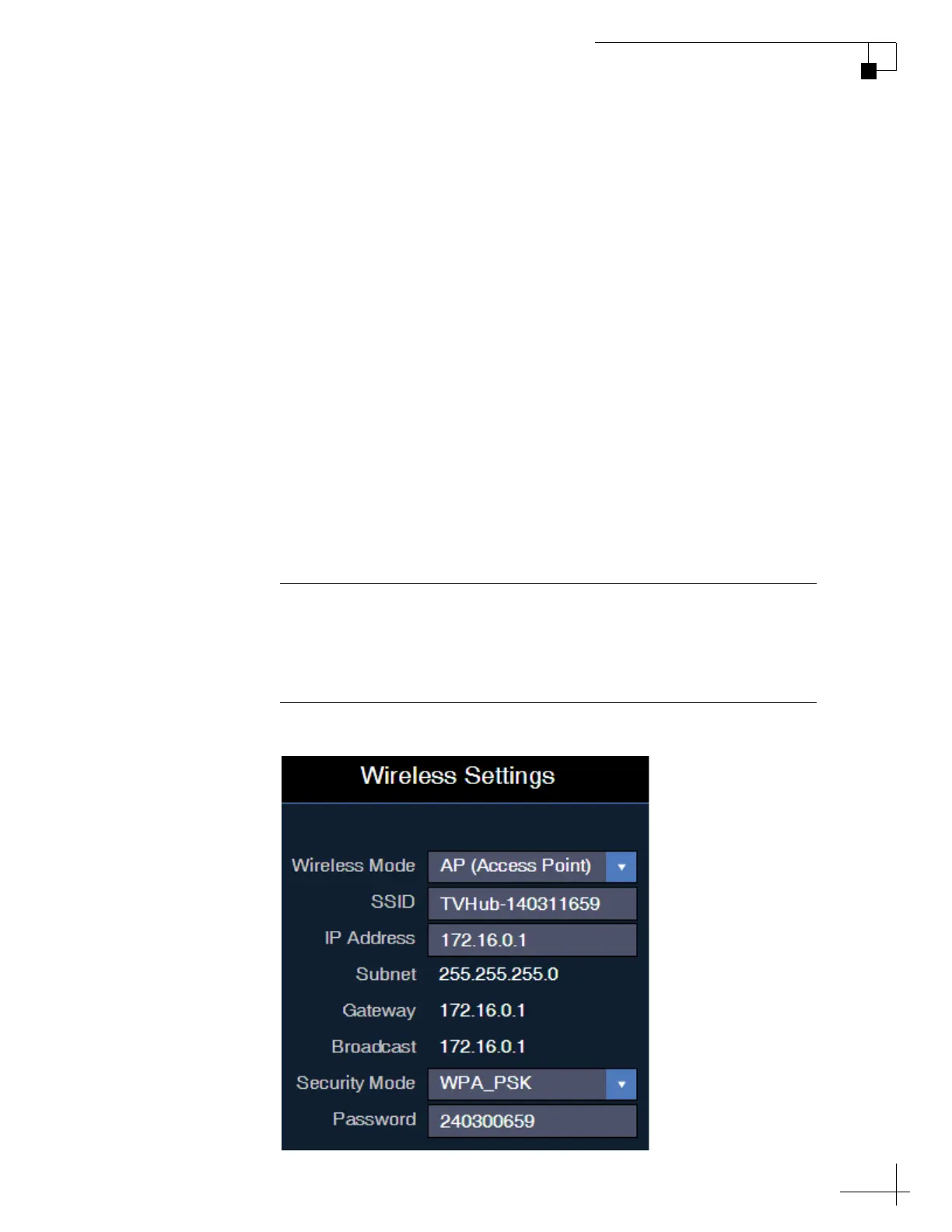
TV-Hub Wireless Settings
By default, the TV-Hub’s wireless settings are configured for the
following:
• Wireless Mode: AP (Access Point)
• SSID: TVHub-<TV-Hub serial number>
• IP address: 172.16.0.1
•Security Mode: Off
You can change any of these settings at the Settings page of the web
interface (go to Settings > Network Settings).
KVH strongly advises that you select the WPA_PSK security mode
and assign a unique password to prevent unauthorized access. If you
keep the default settings, you’re allowing anyone to access the
TV-Hub with their mobile device.
Figure 3-4 Wireless Settings with Security Applied
Important!
If you select Infrastructure (IF) mode to connect the TV-Hub to your
onboard network, you will no longer be able to access the TV-Hub’s
web interface directly – you will have to go through the network.



 To Next Page