TracVision TV3 User’s Guide
62
Switching Satellites
Setting Up an IP AutoSwitch
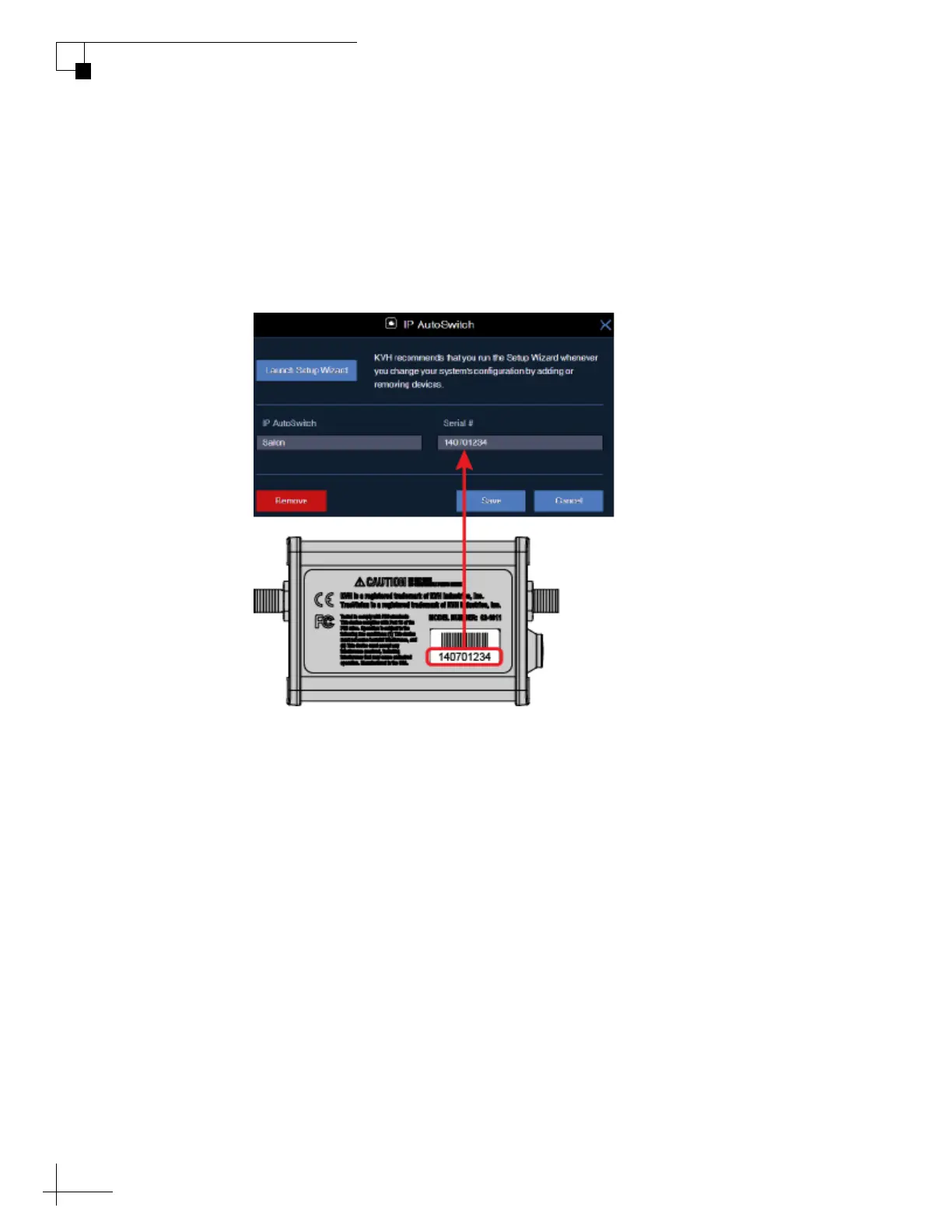
Whenever you install a new IP AutoSwitch, you need to add it to the
Autoswitch page of the web interface. Enter the IP AutoSwitch’s serial
number and assign it a friendly name (e.g., “Salon”). You can find the
serial number on the bottom of the IP AutoSwitch.
Figure 7-2 Adding an IP AutoSwitch to the Autoswitch Page



 To Next Page