TracVision TV3 User’s Guide
75
Troubleshooting
TV-Hub Status Indicators
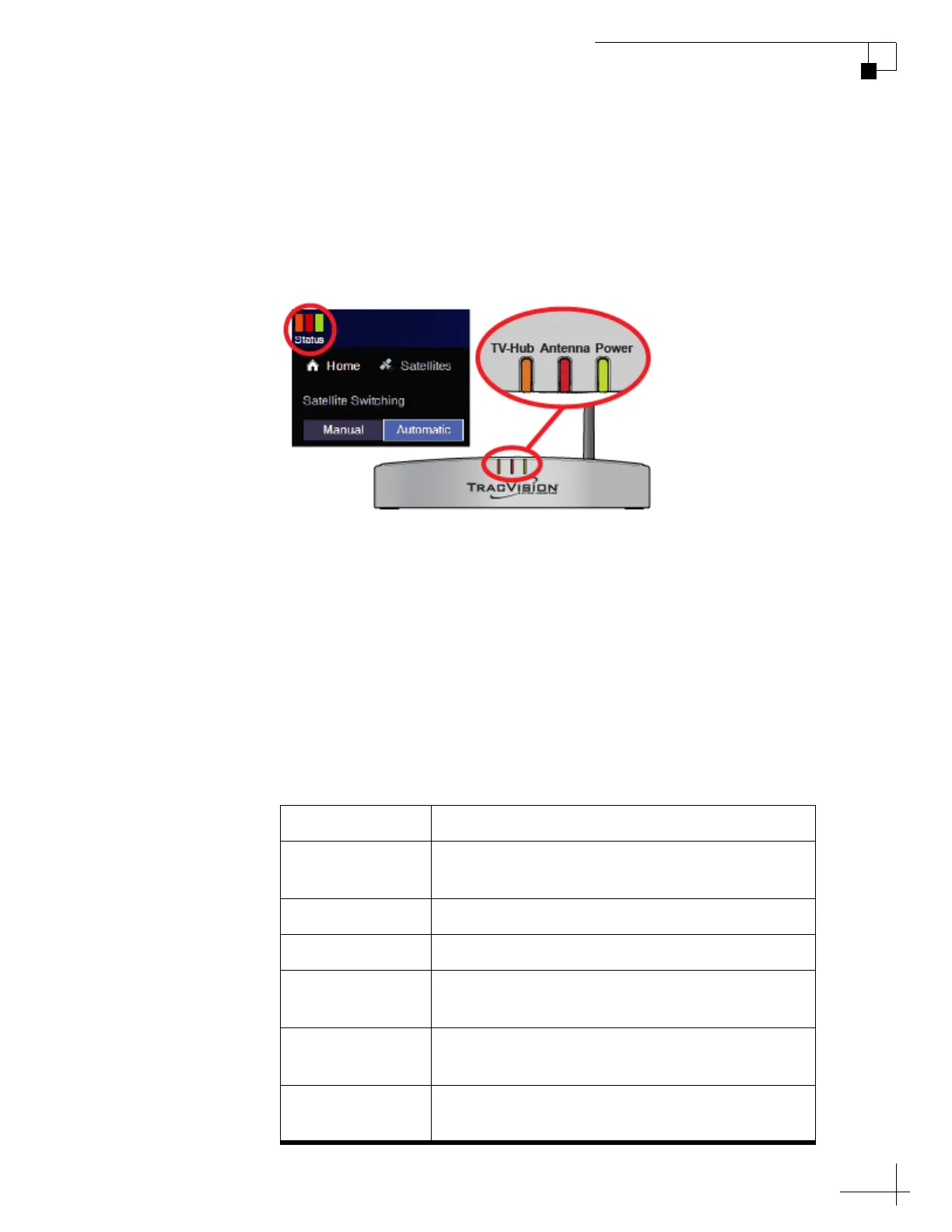
Status lights on the Home page of the web interface and on the front of
the TV-Hub itself indicate the current status of the system and can
help you identify problems quickly.
Figure 8-2 TV-Hub Status Lights
During normal operation, all three lights should be lit green. The
following tables explain what the different light conditions indicate. If
an error condition exists, view the error message on the Home page of
the web interface (see “Error Messages” on page 78).
NOTE: During startup, each status light will illuminate orange for a few
seconds. In addition, all three status lights will alternate orange whenever a
software update is in progress.
TV-Hub Light
The table below explains what the TV-Hub light indicates.
State Description
Off TV-Hub is powered off, or there is no power
input
Green TV-Hub is operating normally
Green, Flashing TV-Hub is initializing
Orange, Flashing TV-Hub is operational, but a minor error exists
that you might be able to fix
Red TV-Hub is not operational; a major error exists –
contact KVH Technical Support
Red, Flashing TV-Hub is not operational; a major error exists
that you might be able to fix



 To Next Page