TracVision TV3 User’s Guide
81
Troubleshooting
System Logs
Two system logs are available on the Support page of the web
interface to capture historical system data:
• Operational Log (see “Operational Log” on page 81)
• Event Log (see “Event Log” on page 82)
Operational Log
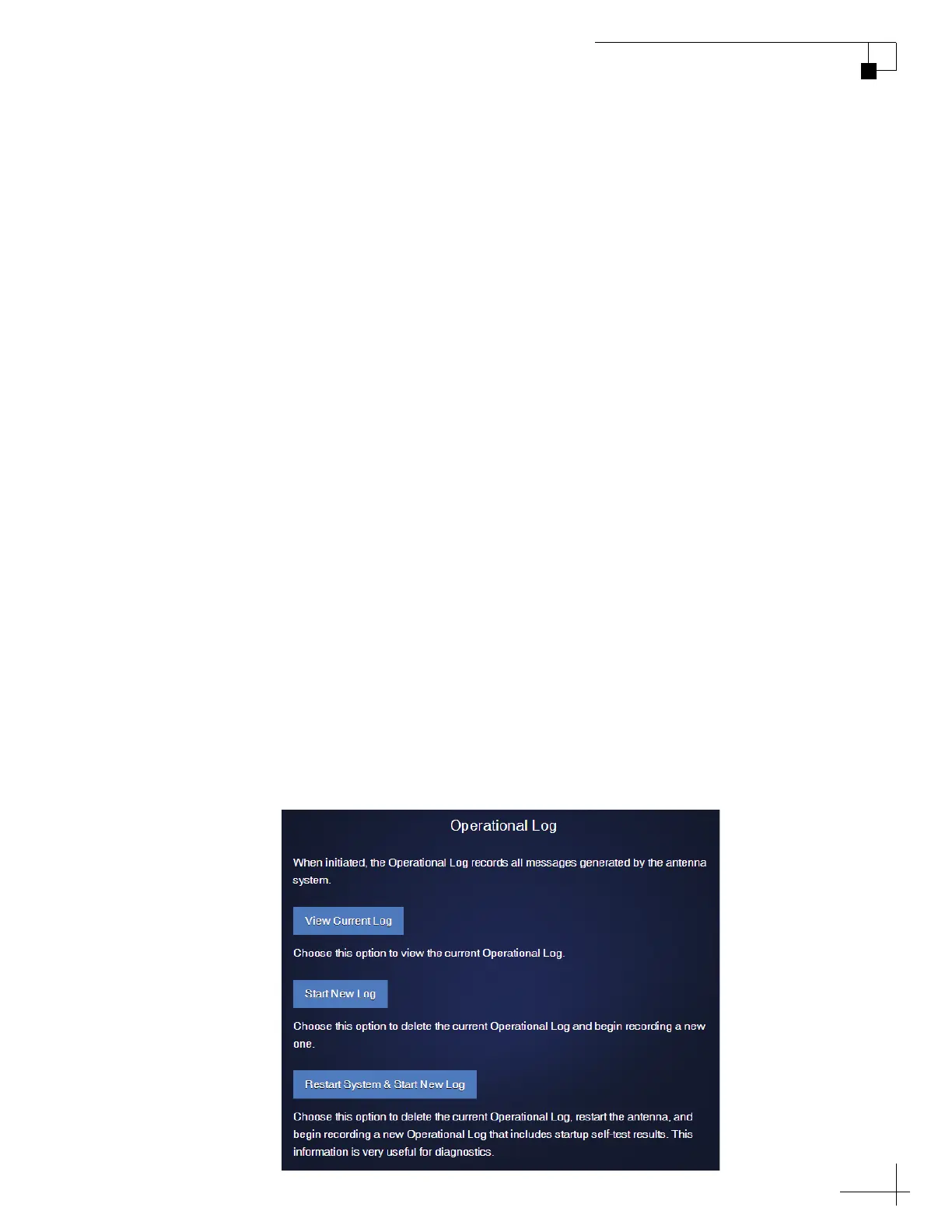
The Operational Log, when initiated, records all messages that the
antenna system generates. To start a new log or view the current log,
select Operational Log on the Support page of the web interface. Then
select the desired option:
• View Current Log: This option simply opens the current
Operational Log. You can save this log as a text file (.log
extension) to send to a technician or KVH Technical
Support.
• Start New Log: This option deletes the current Operational
Log and begins recording a new one.
• Restart System & Start New Log: This option deletes the
current Operational Log, restarts the antenna, and begins
recording a new Operational Log. This log will begin with
the system’s startup messages, which include the results of
various self-test routines.
Figure 8-5 Operational Log Options



 To Next Page