TracVision TV3 User’s Guide
64
Switching Satellites
Setting Up a DIRECTV Receiver for Automatic Switching
During system installation, your SWM-compatible receivers should
have been set up for you. (See the Installation Guide for details.) If you
wish to add a new SWM-compatible receiver, follow these steps:
1. Set the receiver’s Dish Type to 3-LNB and Switch Type to
SWM. See “Setting the Dish Type on a DIRECTV Receiver” on
page 38 for details.
2. Set up the receiver to allow external device access. See
“Allowing External Access on a DIRECTV Receiver” on
page 37 for details.
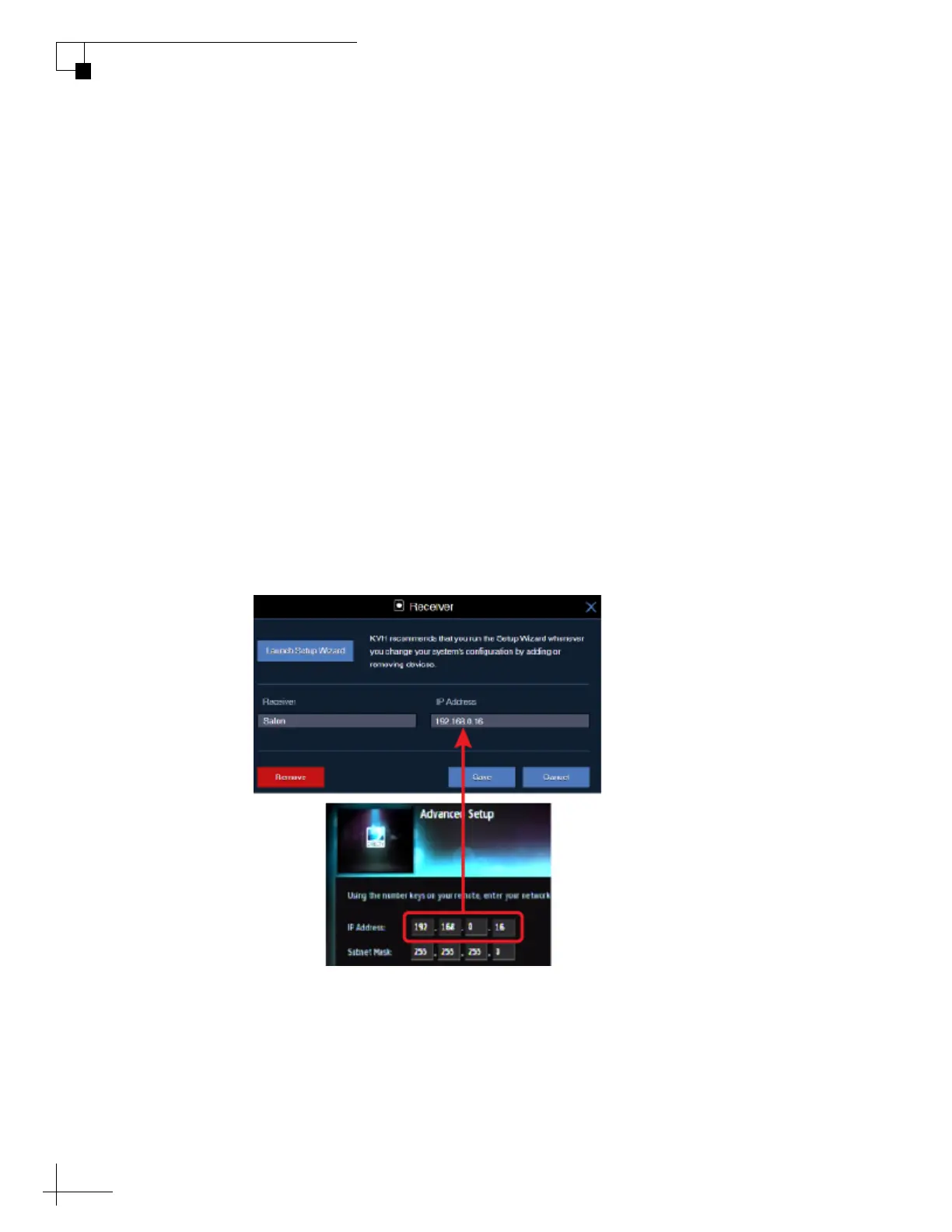
3. Add the new receiver to the Autoswitch page of the web
interface. Enter the receiver’s IP address and assign it a friendly
name (e.g., “Salon”). See “Finding the IP Address of a
DIRECTV Receiver” on page 36 for details on how to find the
receiver’s IP address.
Figure 7-4 Adding a DIRECTV Receiver to the Autoswitch Page



 To Next Page