TracVision TV3 User’s Guide
53
Satellite Settings
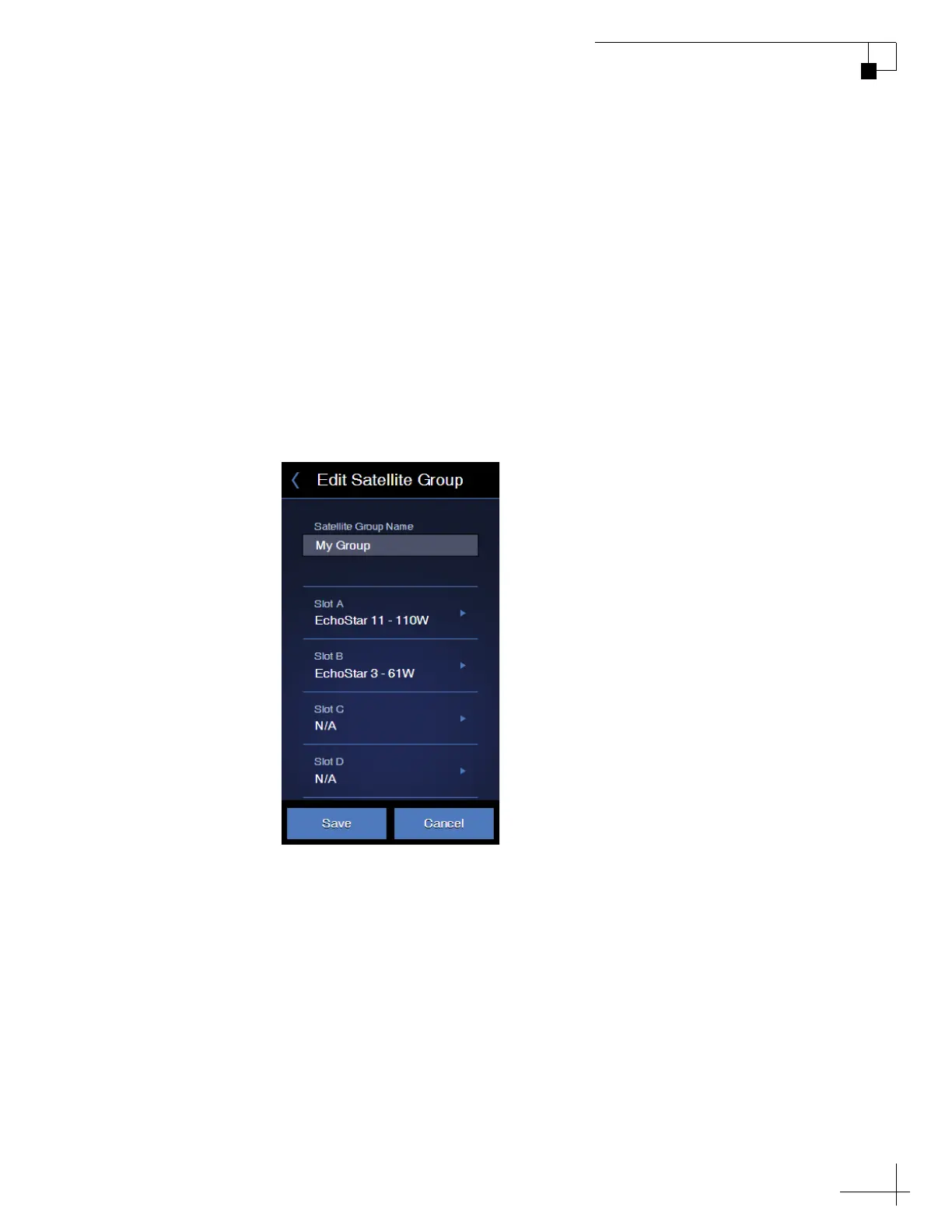
Changing Satellites in a Group
While you cannot alter the satellites in a preset group, you can change
the satellites that are included in any user-defined group. Follow these
steps to edit a user-defined group:
1. On the Satellites page of the web interface, set Satellite Mode to
Group.
2. Select the group you want to modify, then select Edit Group.
3. Change any of the four satellites you want to replace. Then
save your changes.
Figure 6-5 Editing a Satellite Group



 To Next Page