TracVision TV3 User’s Guide
22
Network Settings
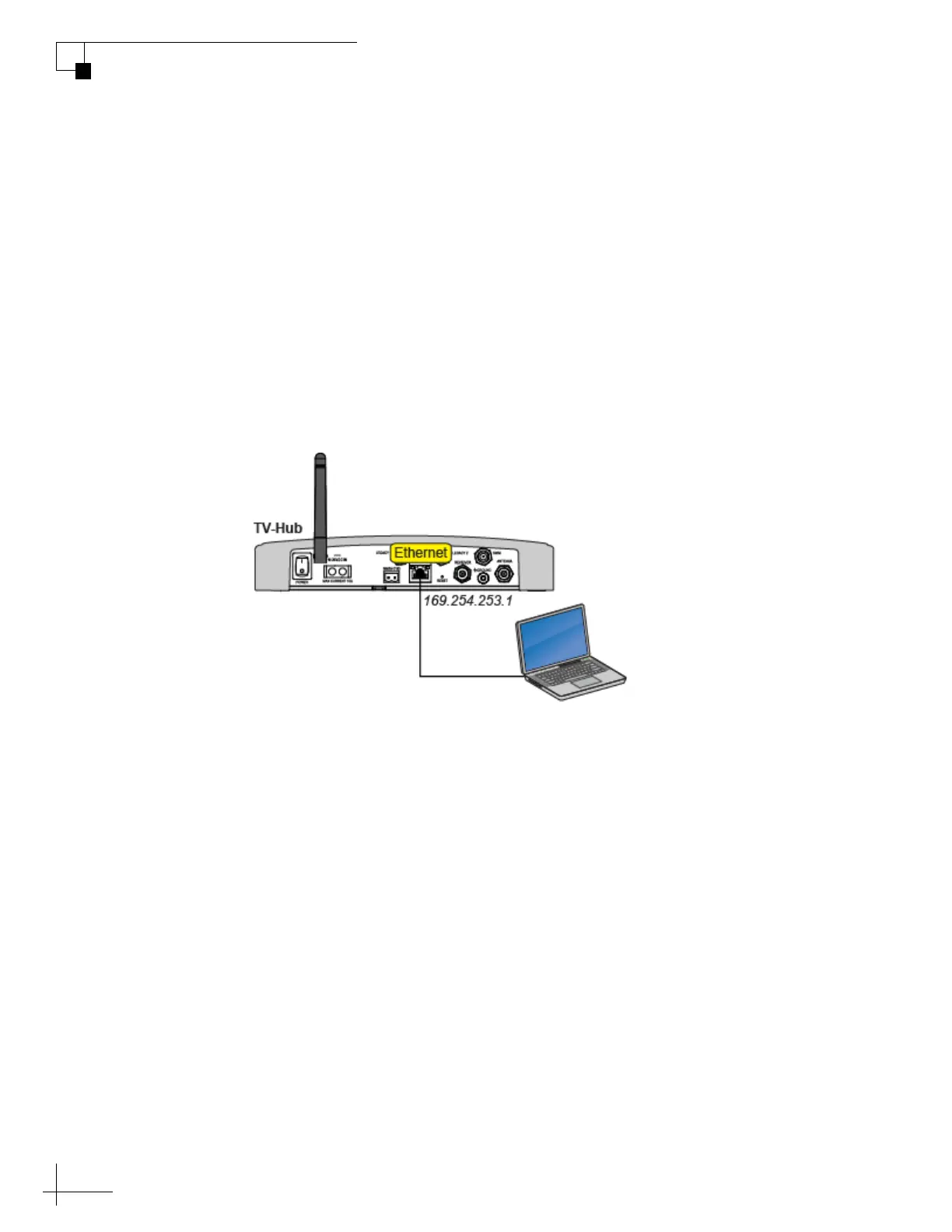
Connecting Directly to the TV-Hub Ethernet Port
You can connect a computer directly to the “Ethernet” port on the back
of the TV-Hub. This option allows you to access the TV-Hub web
interface if you do not have a Wi-Fi-enabled device and you do not
wish to connect the TV-Hub to an onboard network.
NOTE: Use a straight-through 100 Mbps fast Ethernet UTP CAT5 cable (or
better) with RJ45 connectors.
Once you have connected your computer, enter http://169.254.253.1
into your web browser to access the TV-Hub’s web interface.
Figure 3-5 TV-Hub Direct Wired Connection (TV-Hub A shown)



 To Next Page