TracVision TV3 User’s Guide
89
Maintenance
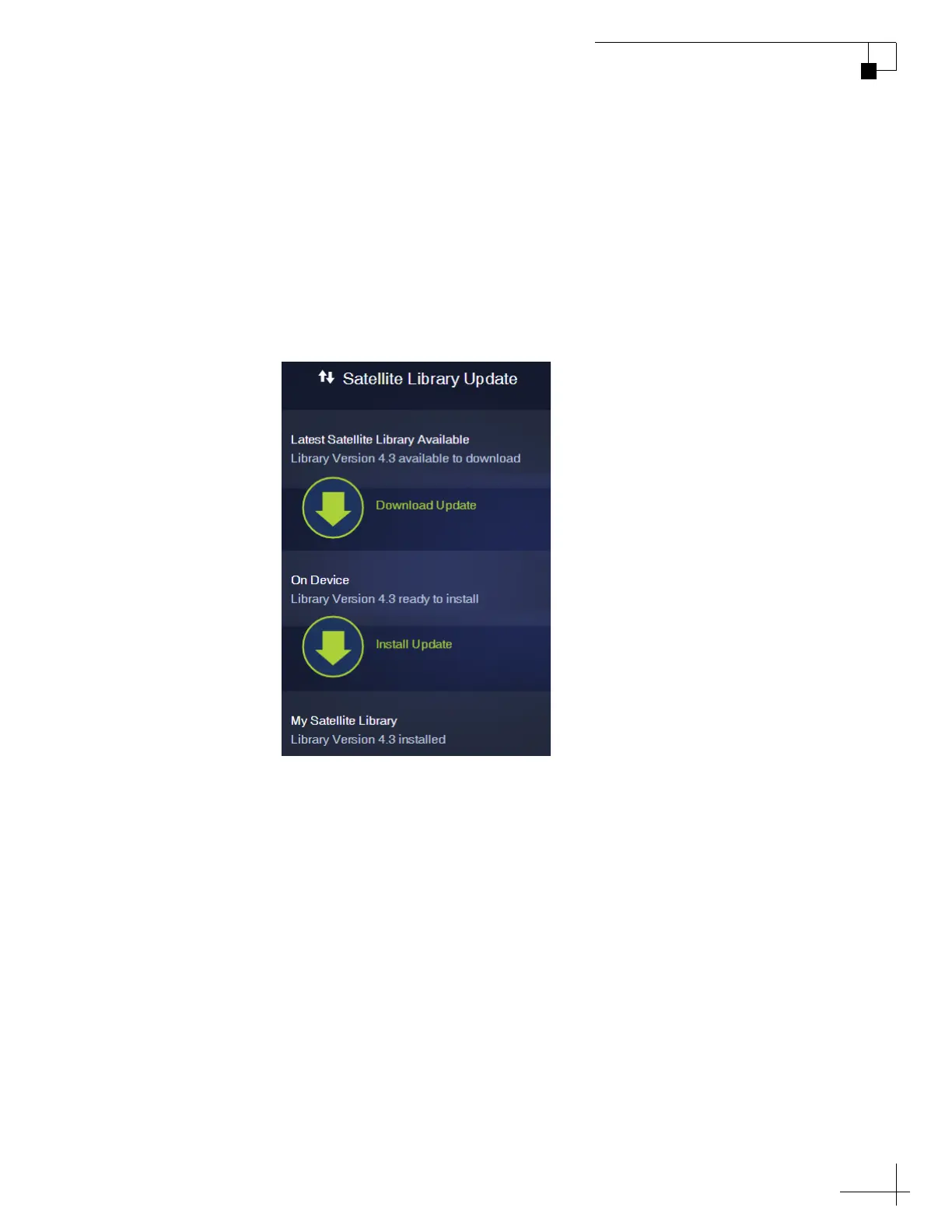
2. Once you have downloaded the file onto your computer, use
the same computer to access the TV-Hub’s web interface (see
“Accessing the Web Interface” on page 14).
3. At the Updates page of the web interface, select the satellite
library then select Install Update. Navigate to and select the
library file (it has a .xml extension) saved on your computer. It
will only take a few seconds for the update to complete
Figure 9-2 Satellite Library Update



 To Next Page