TracVision TV3 User’s Guide
91
Maintenance
2. Once you have downloaded the file to your computer, use the
same computer to access the TV-Hub’s web interface (see
“Accessing the Web Interface” on page 14).
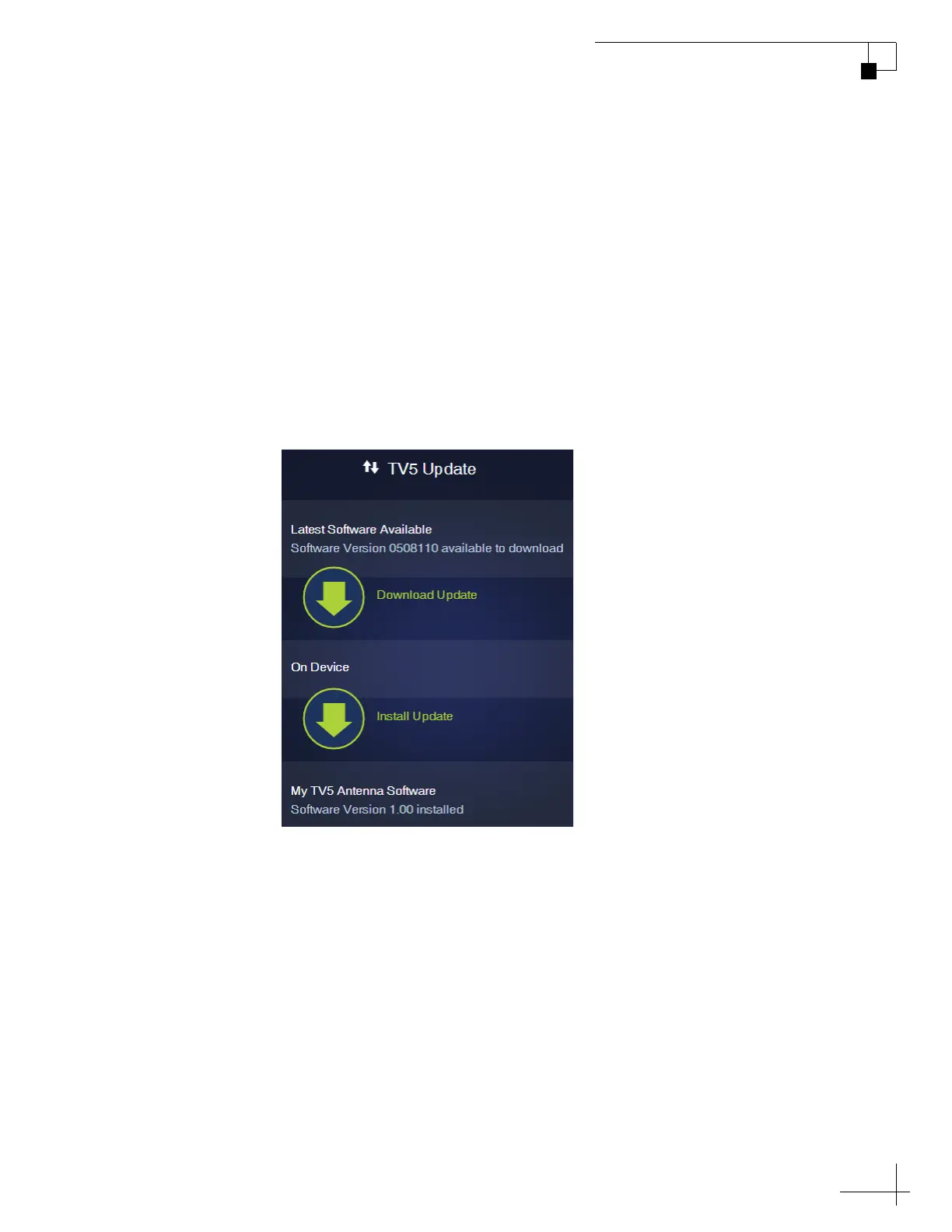
3. At the Updates page of the web interface, select the antenna
then select Install Update. Navigate to and select the update
file (it has a .kvh extension) saved on your computer.
4. Wait for the update to complete. It may take up to 45 minutes.
NOTE: The TV-Hub’s status lights will alternate orange while the update is
in progress.
Figure 9-3 Antenna Software Update (TV5 shown)



 To Next Page