60
Model Three - Operation Manual
To enter the Frequency Spectrum Scanning screen, press the
SPECT
6 PQR
key.
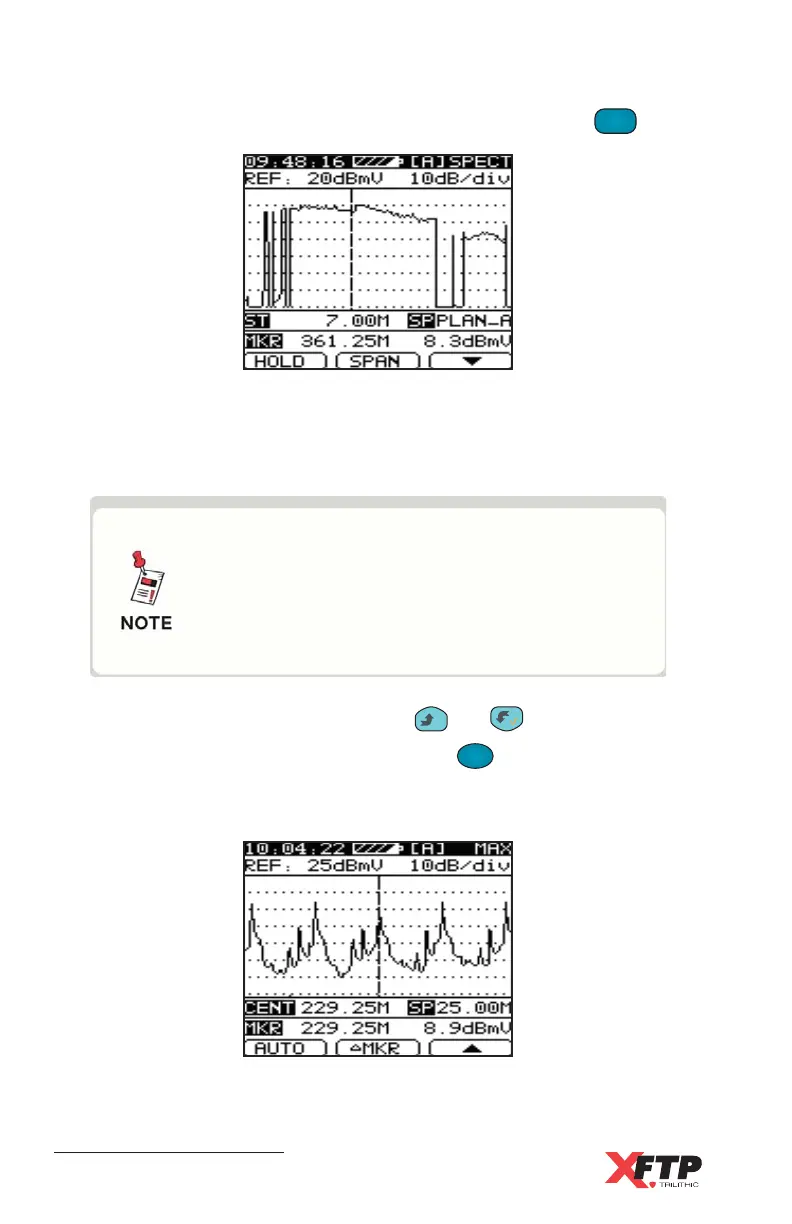
When the Full Spectrum scan is displayed, the Span indicator (SP) is
displayed as PLAN_A-D (full span of selected user base plan). The
starting frequency (ST) is shown along with the marker frequency and level.
With Full Spectrum scan, all video carrier
frequencies or center frequency of digital
channels in the selected Base Channel Plan
(including those disabled for Channel Scan)
are scanned.
To move the marker frequency, press the
__
and keys.
To change the spectrum bandwidth, press the
F
2
(SPAN) key. The span
cycles through 2.50M, 6.25M, 12.50M, 25.00M, 62.50M and PLAN_A-D
(full span).
When a span other than full span (PLAN_A-D) is selected, the display
shows the center frequency.



 To Next Page