83
Model Three - Operation Manual
If you wish to save the Auto test program for later use without running
the entire program now, you can start the test and then press the
F
1
F
1
key to exit.
If you wish the Auto test program to perform its test sequence in
programmed time intervals, press the
F
2
key to setup the 24 HR
measurement routine.
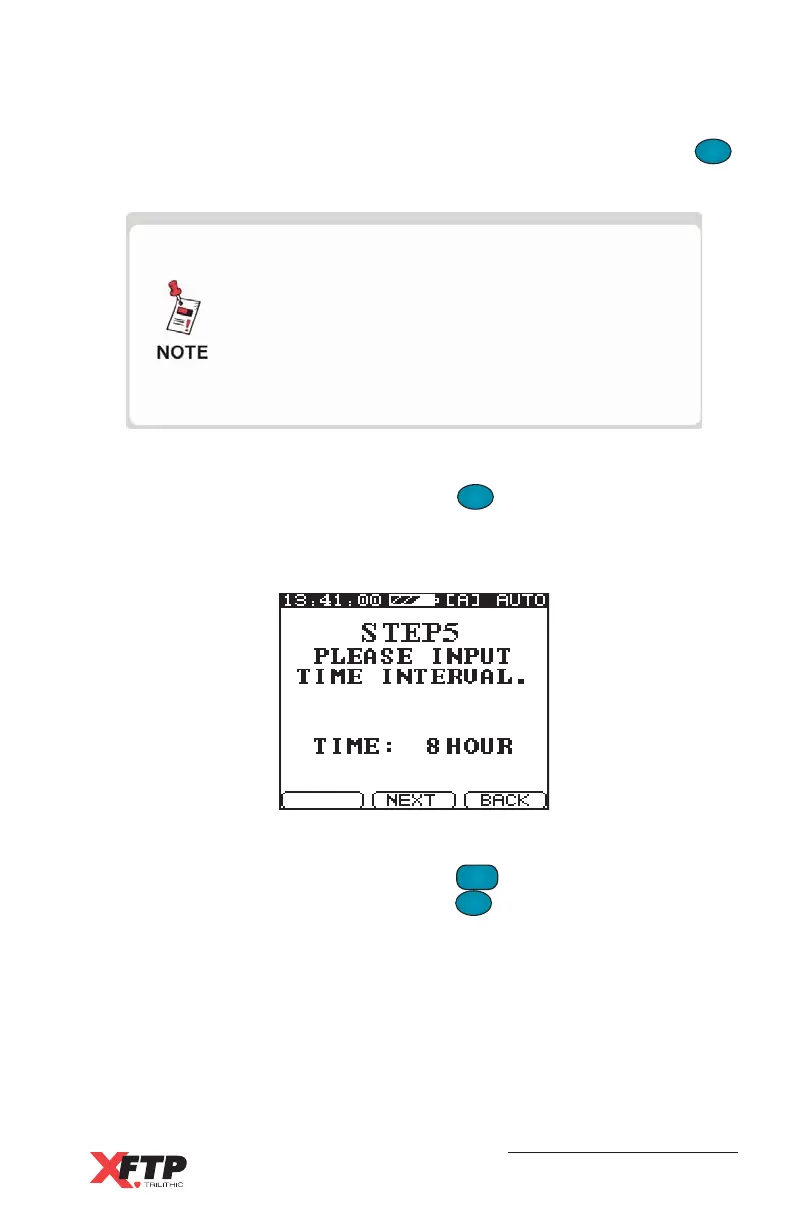
The Auto test screen for STEP 5 appears.
A default time interval of eight hours between test times is displayed.
To change the time interval, press the
FCN
0
key, enter a new number
from one to 23 (hours), and press the
F
1
F
1
key to enter.
A new Auto test program that is started as a
single test sequence (no 24 HR test) has default
settings for 24 HR operation (eight hours, four
tests) stored with the program. When this
program is executed again, it can run as a
single test sequence or as a 24 HR test with the
default settings.



 To Next Page