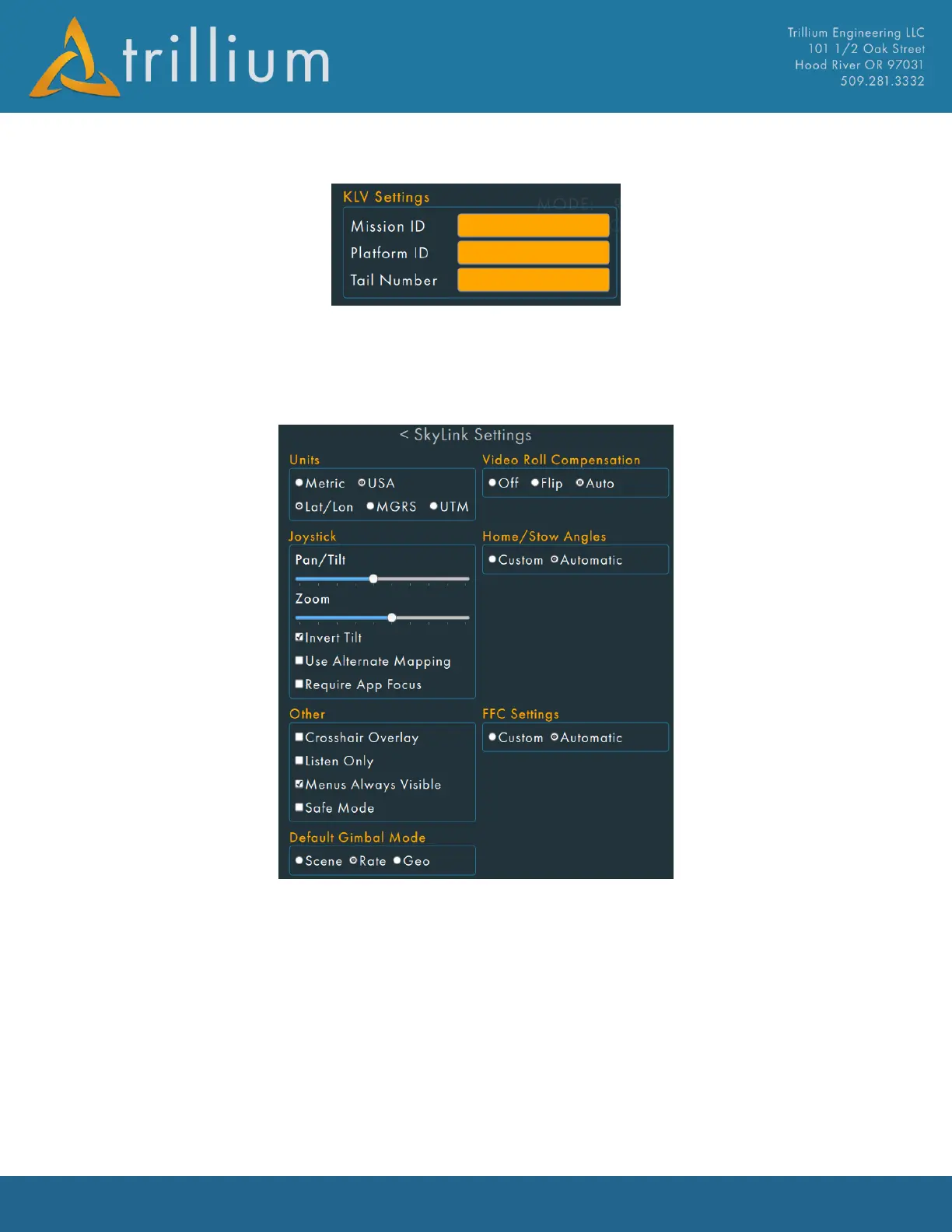
2.10.4 KLV Settings
KLV Settings are used to add information about a mission to the metadata of the video stream.
Enter text and hit the “Enter” key to set the field. The textbox background will be white if the data
matches what is currently in the gimbal metadata.
2.10.5 SkyLink Settings
Units
Allows for displayed units to be changed from Metric to US units. Position information can be
changed between Latitude/Longitude, Military Grid Reference System, or Universal Transverse
Mercator.
Video Roll Compensation
Allows SkyLink to rotate the displayed video (note this is display-only and has no effect on the
video that is recorded).
• Off - applies no rotation.
• Flip - rotates the video 180 degrees and is useful when the gimbal is mounted upside-down
or sitting on a table without a stand.



 To Next Page