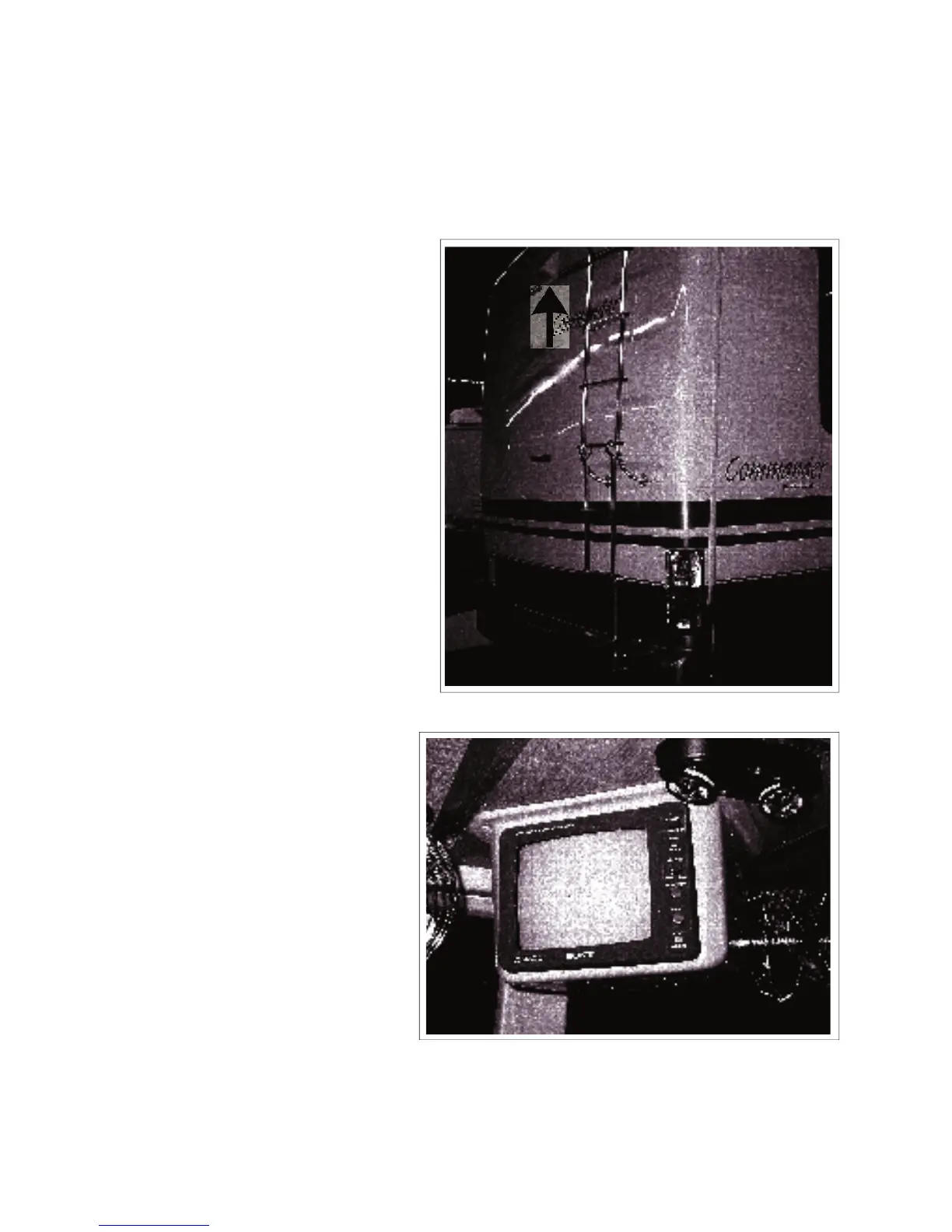
6.4 REAR VIEW CAMERA/ MONITOR SYSTEM (OPTIONAL)
An optional rear view camera/monitor system is available to mount on the back of the unit to provide a
view of the back of the unit.
COMMANDER / EMBASSY
The camera is mounted to pick-up a
view of the area behind the unit for
backing up or a trailer that is being
The monitor is mounted so it is visible
to the driver to assist in backing up or
In this mode, the system operates
only when the system is turned
on. It is not recommended that it
be operated on a full time basis
when driving as it can be very
In this mode, the system automati-
cally comes on when the trans-
mission is shifted into reverse to
assist in backing up. It goes off
when the transmission is shifted
4. Refer to the camera/monitor system
manual for more detailed operating
Fig. 6-8 MONITOR (TYPICAL)



 To Next Page