4.15.4 UTILITY MODULE (COMMANDER ONLY)
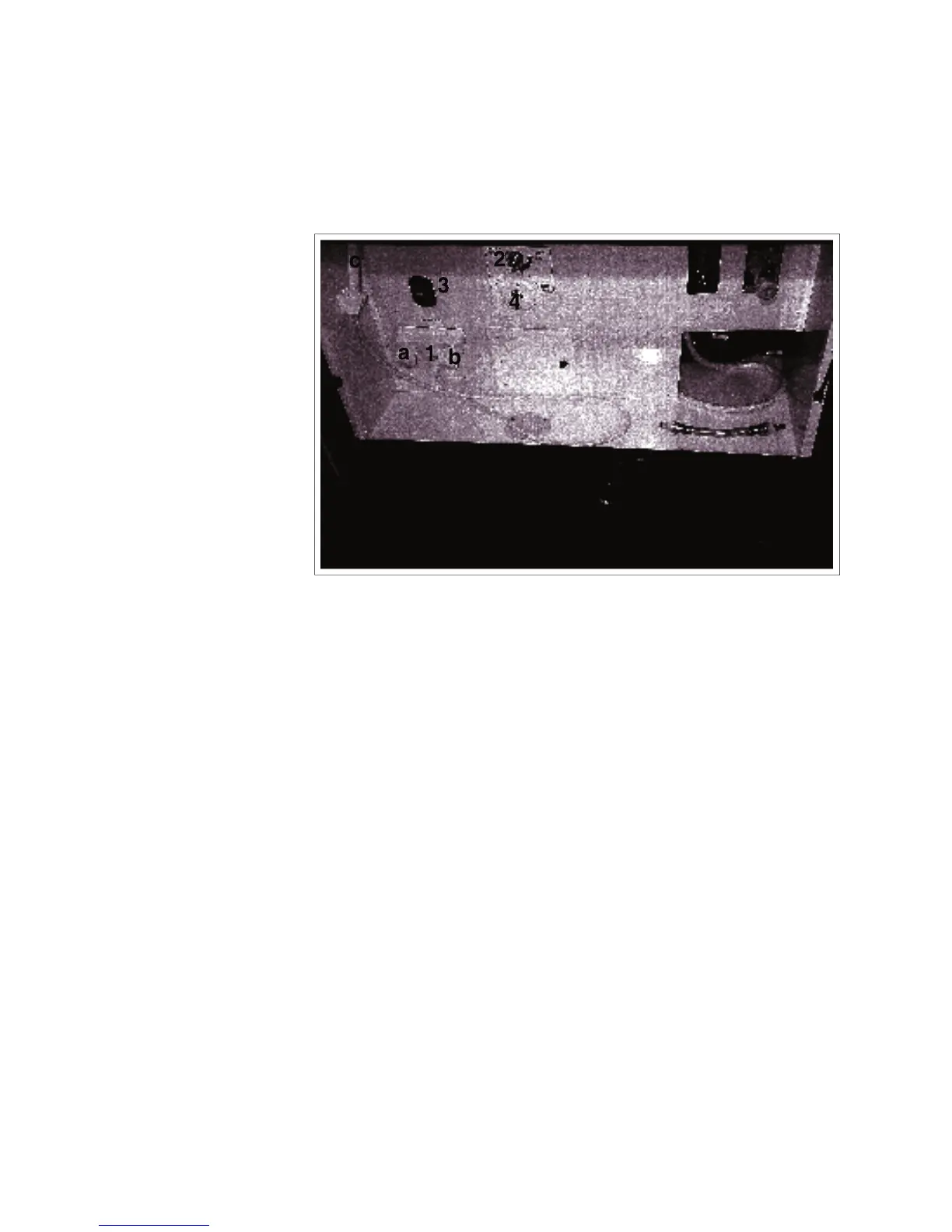
Access the water system compartment through the door on the left side of the vehicle. Review the oper-
ating instructions and control functions before trying to use the system.
Fig. 4-24 WATER SYSTEM ACCESS COMPARTMENT
This standard fl exible hose shower system
is mounted on the front of the compart-
ment. Turn the handle and lift the head
to use it. Turn the collar on the head to
change the spray pattern.
Water Fill Selector Valve:
This valve directs the fl ow of fresh water
into the internal water tank or directly into
the water system and bypass the tank.
Turn counterclockwise when fi lling the
tank and clockwise to bypass the tank and
plumb directly into the water system.
This switch controls the power to the water
pump. See section 4.15.3 Water Pump for
This fi tting and cap is the water input fi t-
ting. Always install cover when water line
COMMANDER / EMBASSY
IMPORTANT
Always use pressure regulator
between the outside water supply
and the motorhome to eliminate
pressure surges and spikes.



 To Next Page