Installing the System MicronNav System
0656-SOM-00001-07 32 © Tritech International Ltd.
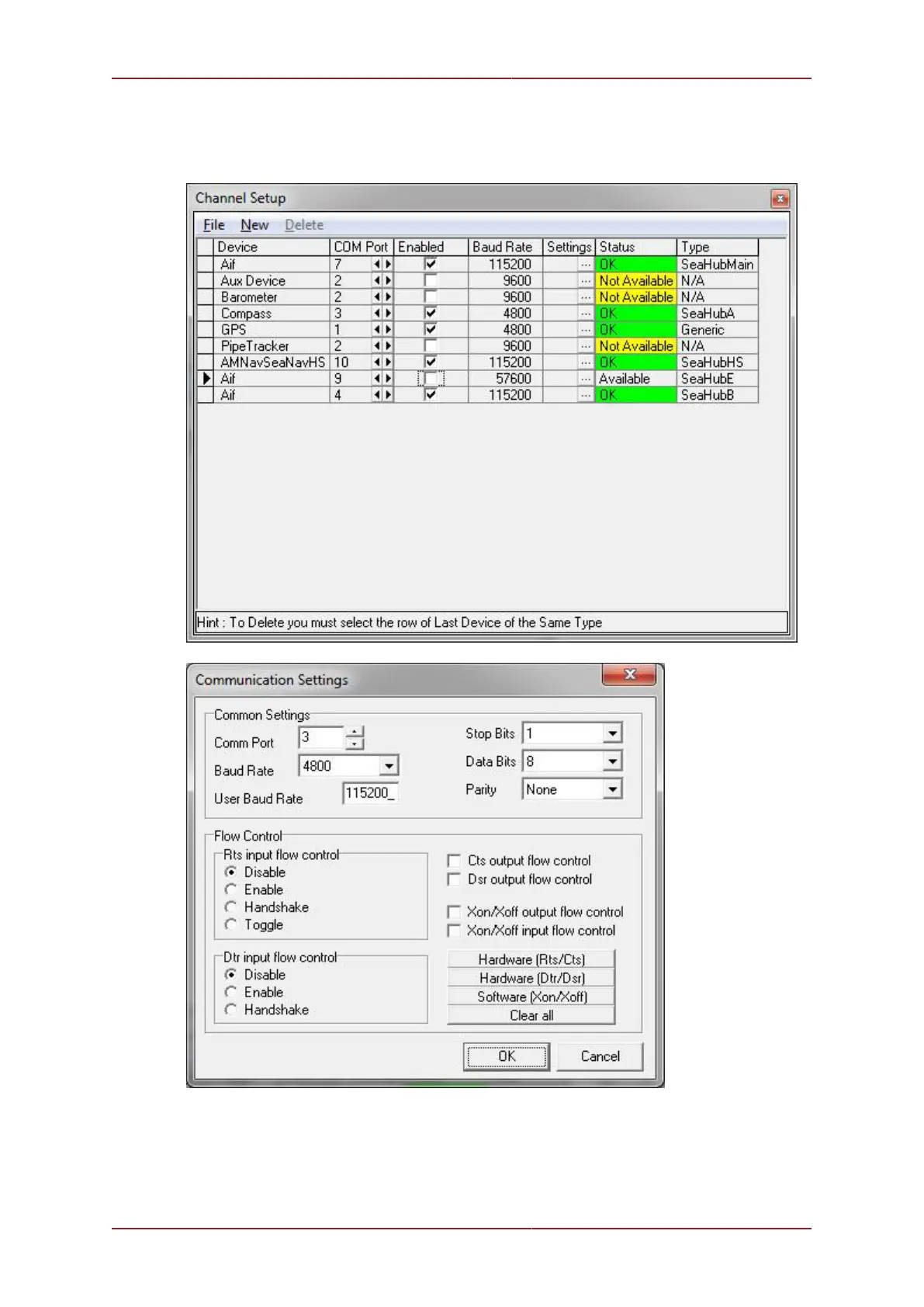
and if it requires changing click the settings button in the Compass row to open the Comms
Settings panel and adjust the baud rate accordingly, click Ok to confirm the setting and
close the form and then close the Channel Setup form.
The above example shows the external Heading & Pitch/Roll sensor on COM 3 which in this
case is Port A on the MicronNav100 Hub.
Check the integral sensor is switched off in Seanet Setup - Node 75 (MINIATTSEN) should
no longer appear in the device list.



 To Next Page