Installing the System MicronNav System
0656-SOM-00001-07 33 © Tritech International Ltd.
Note
It is not necessary to disable the Integral Sensor in the Channel Setup but is
good practice to do so if External Heading, Pitch and Roll data is to be applied.
In the Job Setup (i.e. Create New Job or Edit Job), ensure to select Use
Ship Compass for the Heading and also select No Attitude Sensor, Use
Platform for the Attitude Sensor setting.
Heading/Pitch/Roll from separate external devices
To configure the system to accept the heading & pitch/roll data from two separate external
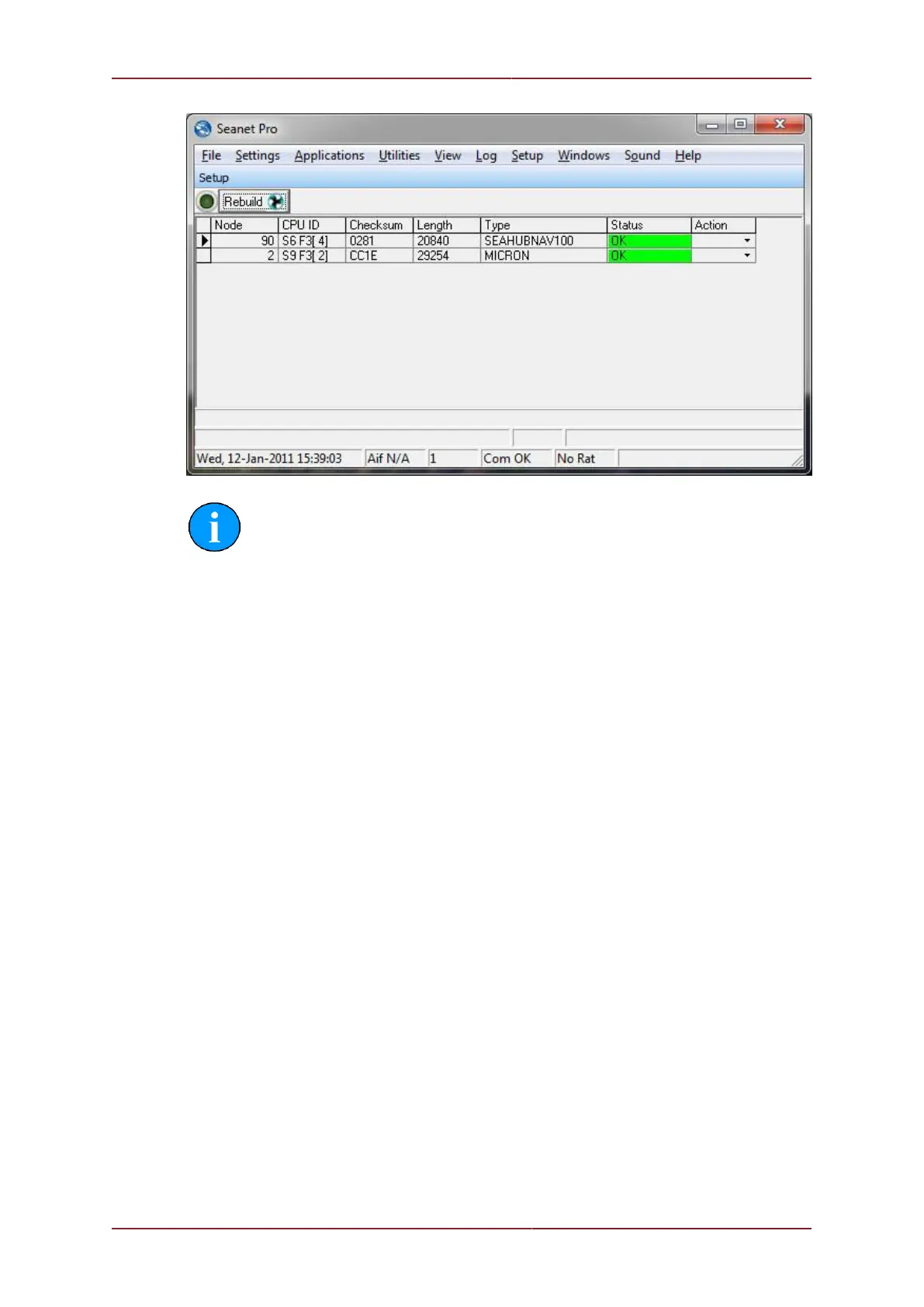
devices switch on the power supply to the MicronNav100 Interface Hub and click the Seanet
Setup icon on the desktop to display the device list, select Utilities from the top menu bar
followed by Com Setup from the sub-menu to open the Channel Setup page and disable
the integral sensor by un-checking Enabled check box for SeaHubE. Configure the Compass
entry for the correct COM port used for the external Compass input and click the check box to
enable, check the baud rate matches that of the external Compass and if it requires changing
click the settings button in the Compass row to open the Comms Settings panel and adjust
the baud rate accordingly, click Ok to confirm the setting and close the form.
Now configure the Attitude Sensor entry for the correct COM port used for the external MRU
(pitch/roll) input and click the check box to enable (Note: if there is no Attitude Sensor listed
select New from the menu bar followed by Attitude Sensor from the sub-menu to add to the
list), check the baud rate matches that of the external MRU and if it requires changing click
the settings button in the Attitude Sensor row to open the Comms Settings panel and
adjust the baud rate accordingly, click Ok to confirm the setting and close the form and then
close the Channel Setup form.



 To Next Page