Operation MicronNav System
0656-SOM-00001-07 76 © Tritech International Ltd.
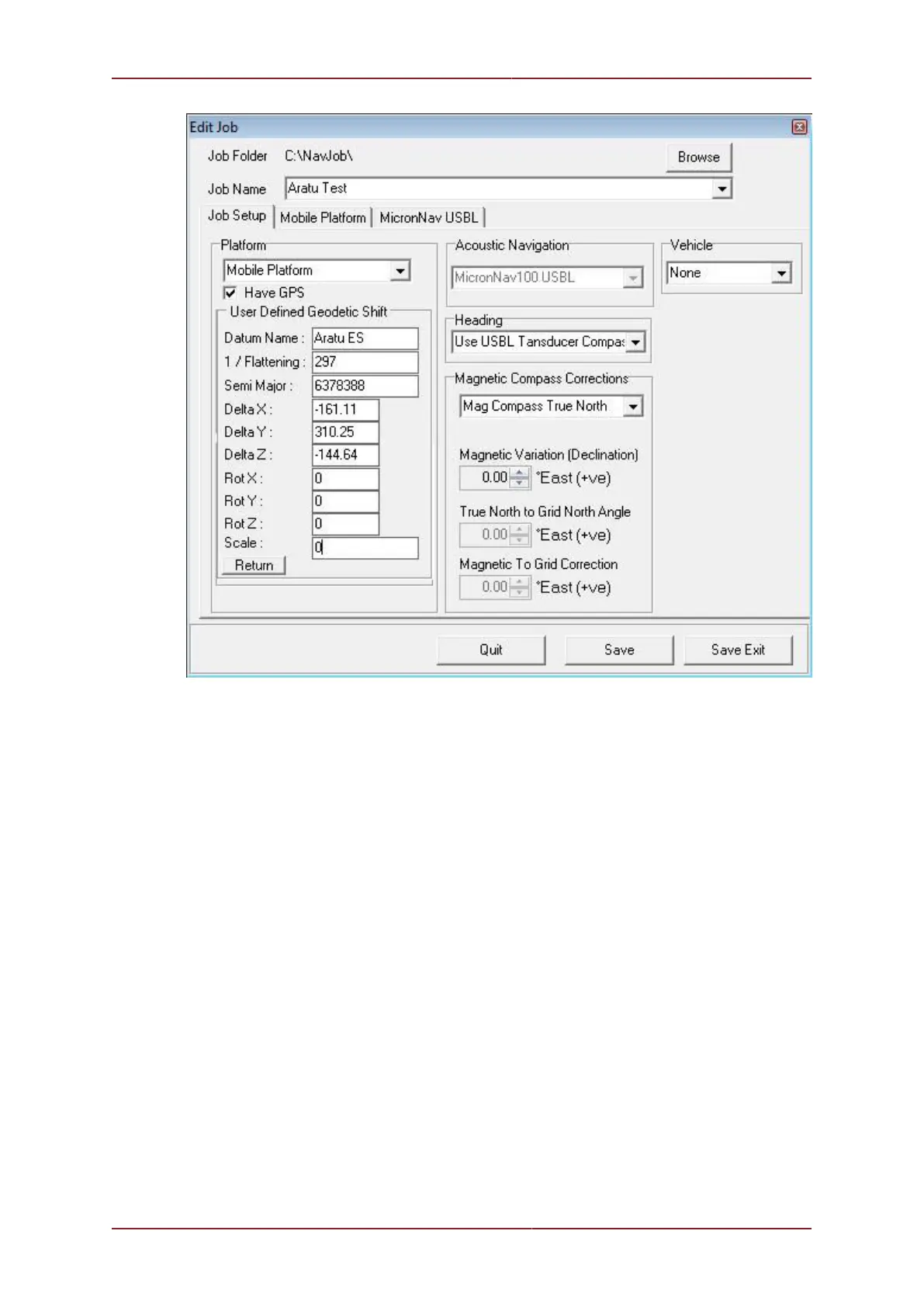
After entering the datum shift parameters, click on the ‘Return’ button to save the settings
and return to the underlying GPS panel. Configuring the Job can continue. When finished
making any changes, click on the ‘Save Exit’ button on the bottom-right of the page to apply
the new Job settings.
The following screen shots show the UTM output co-ordinates which have been datum
shifted.
A. User Defined Datum Shift = On (“Aratu ES”). UTM Output using ‘International 1924’
ellipsoid.



 To Next Page