AWC708C PLUS Motion Control User Manual
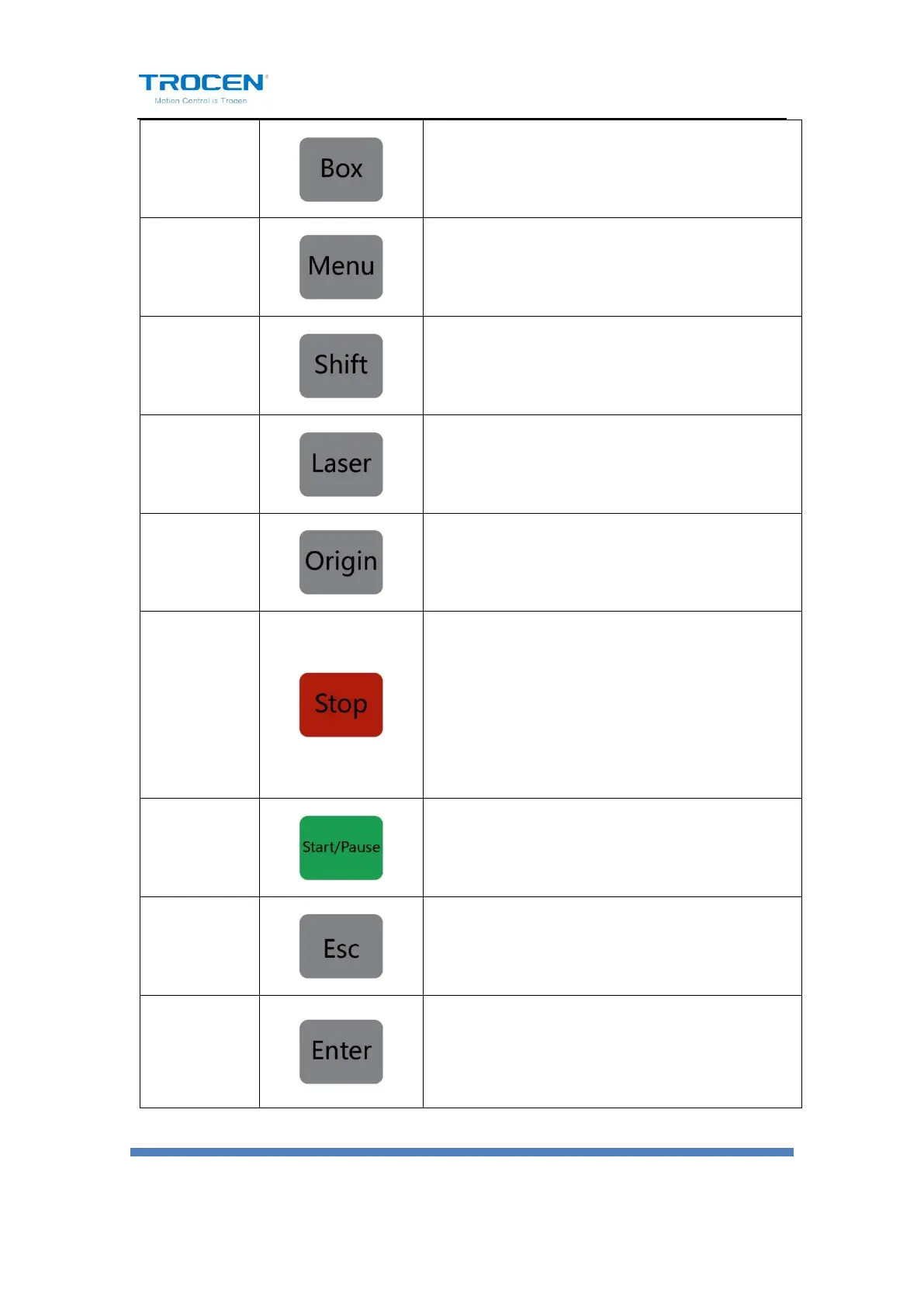
Frames the working area from the origin point of
the current file.
Test usage. Press the key, the laser tube will give
out light. It’s used to adjust optical path.
Setting machine’s starting point of the current
file.
Once pressed, the machine will stop its current
function and move back to its origin. Press
【Stop】+ direction keys to switch the speed of
axis movement, quick to slow or slow to quick.
Pause the machine and keep it stay at location.
Press again to resume.
Exit edit mode (Exit cursor). Return to previous
menu.
Enter edit mode ( Start cursor). Confirm the
current operation.


 To Next Page