AWC708C PLUS Motion Control User Manual
Table5-1-1 Set Document Property Instruction
Machine repeat working times.
The interval between the initial file being finished and the next
one of the same.
Distance of each movement of the feeding axis.
The number of graphics s processed by machine in the X
direction.
The number of graphics s processed by machine in the Y
direction.
The size of graphics in X direction.
The size of graphics in Y direction.
5.1.2 Layer Params Settings
On the Document Params Settings page, move cursor to 【Layer Params
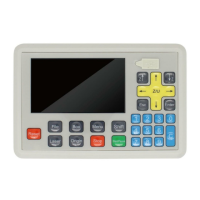
Settings】 and press 【Enter】. On the Layer Params Settings page, press
【↑】【↓】【←】【→】 to move cursor, press number keys to modify
parameters, press【Enter】to save settings.


 To Next Page