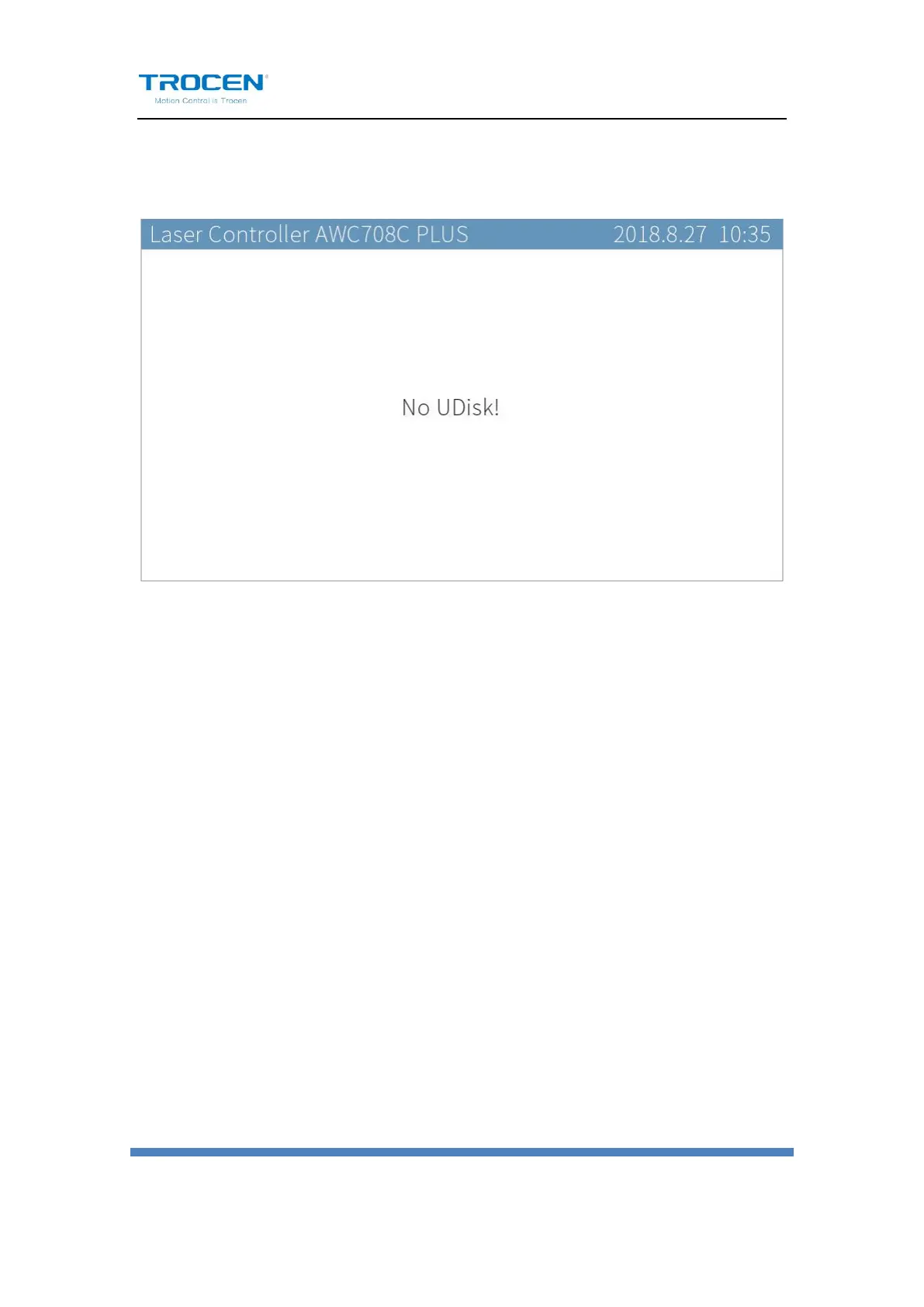
If the U disk can’t be read, you will see the interface below.
Figure6-1-3 No U Disk Interface
6.1.1 Work Files
Move the cursor to【Work Files】and press【Enter】. On the panel, the
working file in the U disk will be presented. The right side shows the
working file previewing. Press 【↑】【↓】 to move cursor and press【Enter】
to copy the working file from U disk to main board storage.


 To Next Page