⚫ Move cursor to【Select】, press【Enter】and set current file as work
file.
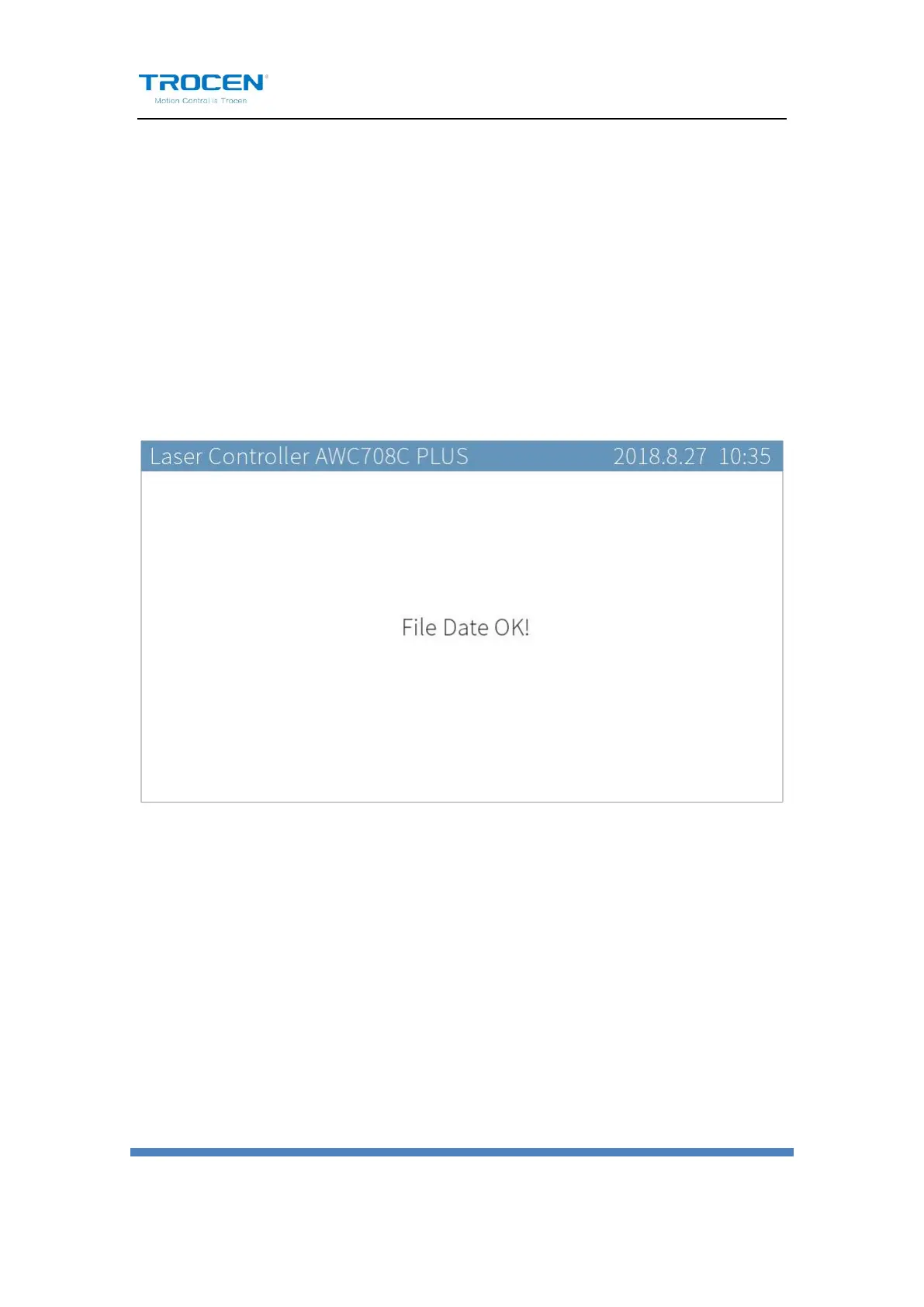
⚫ Move cursor to【Data Check】, press【Enter】. If the graphics is the
same as that in PC, the system will prompt “File Data OK!”, then the
graphics will be allowed to process. If not, the machine won’t process
this graphics.
Figure 1-5-3 File Format Test
Users could set other parameters as need.
1.5.2 Direction Keys
⚫ 【↑】【↓】【←】【→】
They are used to move the motion axis and cursor, also used to
modify options in the current view.


 To Next Page