⚫ 【Z↑】【Z↓】
Move cursor when the direction keys 【↑】【↓】【←】【→】 are
occupied, and these two keys are used to move Z axis directly.
⚫ 【Z/U】
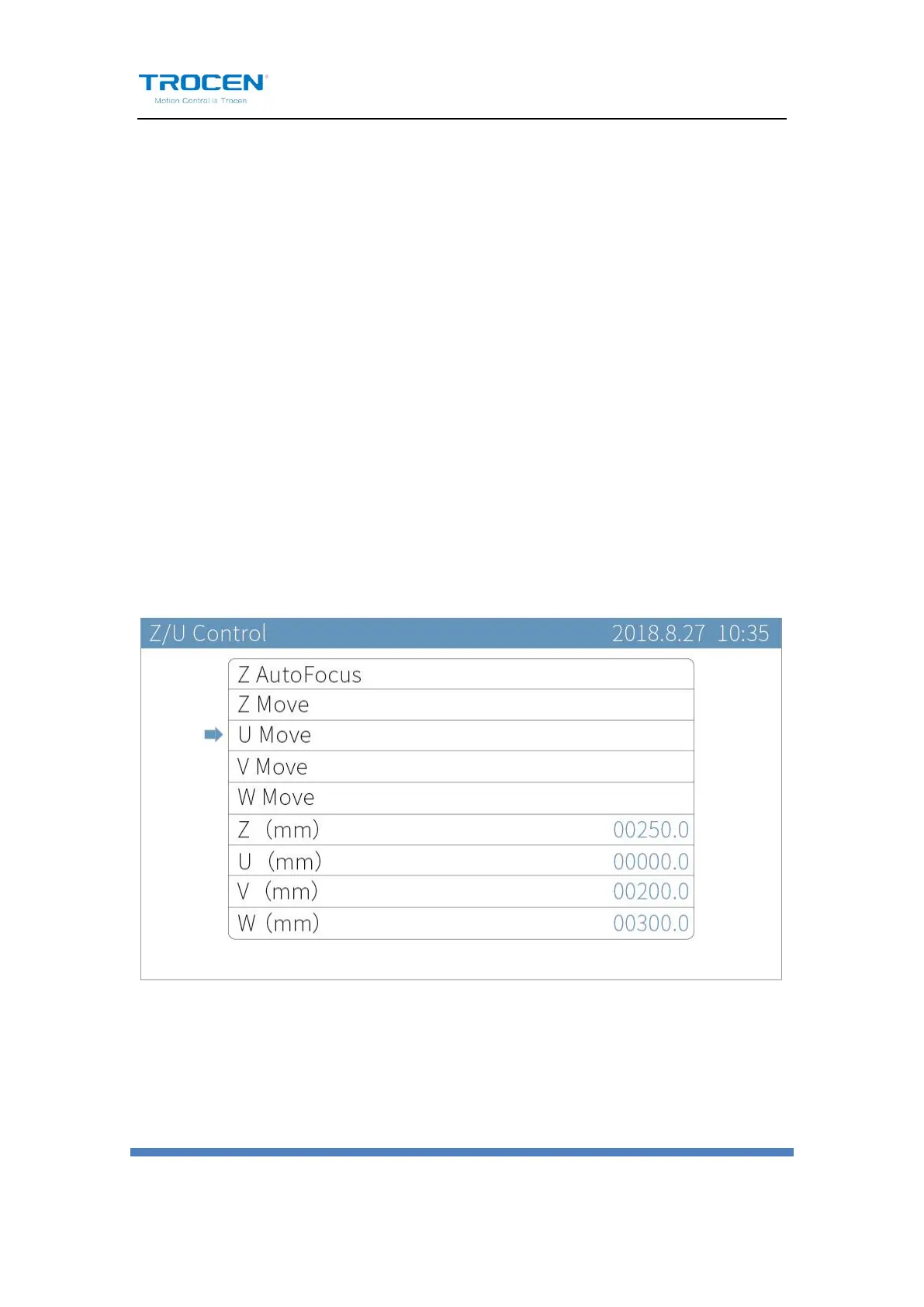
Z axis with auto focus. Enter the Z/U Control page, press【Z↑】【Z↓】
to move cursor and press【↑】【↓】【←】【→】to move Z/U/V/W
axis. 【Z(mm)】,【U(mm)】,【V(mm)】and【W(mm)】show the current
coordinate value. Users can move U axis, but the coordinate of U axis
will not change and it is “0” forever.
Figure 1-5-4 Z/U


 To Next Page